What Is a Training Sandbox Environment? 10 Best Platforms for 2026
A training sandbox environment is an isolated, resettable copy of real software for hands-on practice. Compare 10 platforms on reset, clouds and cost.
A training sandbox environment is an isolated copy of real software and infrastructure where each learner practices hands-on, and which can be reset to a clean state without touching production. The best platforms for building one at enterprise scale are CloudLabs, Skillable and Instruqt, followed by CloudShare, ReadyTech and Heropa. They differ most in how they reset a sandbox, which clouds they run on, and who builds the environment.
Most pages that rank for this search are written by a single vendor about its own product, or cover click-through simulations of business apps. None we read compares cloud training sandbox vendors or how each one resets. This guide covers both: what a training sandbox is, then ten platforms ranked on four criteria: how a learner gets a clean environment back, which clouds and infrastructure it runs on, whether the vendor will build custom environments for you, and what controls cost. Each entry has a “best for” line and one limitation taken from the vendor’s own pages, checked on October 27, 2026.
What is a training sandbox environment?
A training sandbox is a non-production environment built for learning. Four traits separate it from a developer test sandbox or a product demo:
- Isolated per learner: each person gets their own VMs, cloud account or subscription, so one learner’s mistake cannot break another’s lab.
- Real, not simulated: learners run the actual software, consoles and networks they will use on the job, rather than clicking through screenshots.
- Resettable: a learner, instructor or admin can return the environment to a known starting state.
- Disposable and capped: time limits, idle shutdown and budget caps stop abandoned sandboxes from running up cloud bills.
A cloud based training environment is the same idea delivered from AWS, Azure, Google Cloud or a vendor’s own cloud through a browser, with nothing for the learner to install.
How training sandboxes reset
Vendors use “reset” for different things, so check which model a platform uses before you buy:
| Reset model | What happens | Platforms that document it |
|---|---|---|
| Fresh on every launch | Each session starts from the template; nothing carries over | CloudLabs (non-persistent labs), Skillable, Instruqt, Heropa |
| Persistent with reset | Work is kept between sessions, and the lab can be reset to clean | CloudLabs (persistent labs) |
| Instructor reset | An instructor resets a learner’s lab during a class | ReadyTech (supported labs) |
| Replace | The lab is swapped for a fresh one and the learner’s work is lost | Strigo |
| Revert or template states | An admin reverts an environment or maps courses to saved template states | 11:11 Lab Engine, Kyndryl Cloud Uplift |
| Not documented | Time-limited session with no stated reset | Pluralsight Cloud Sandboxes |
Quick picks: the best training sandbox platform by use case
| If you need | Start with |
|---|---|
| Custom sandboxes built for you across AWS, Azure, Google Cloud and Oracle, with a choice of persistent or reset-every-time labs | CloudLabs |
| A large catalog plus “close and relaunch” resets for self-paced learners | Skillable |
| Disposable AWS, Azure or GCP accounts that your engineers define as code | Instruqt |
| Instructor-led classes with over-the-shoulder monitoring | CloudShare or ReadyTech |
| Sandboxes that reset automatically after each session, priced by usage | Heropa |
| Nested hypervisors and virtual appliances you can revert on a schedule | 11:11 Lab Engine |
| Off-the-shelf cloud sandboxes bundled with a course library | Pluralsight |
1. CloudLabs
Best for: enterprises and software vendors that want custom training sandboxes built for them on any major cloud, with control over whether learner work persists or resets
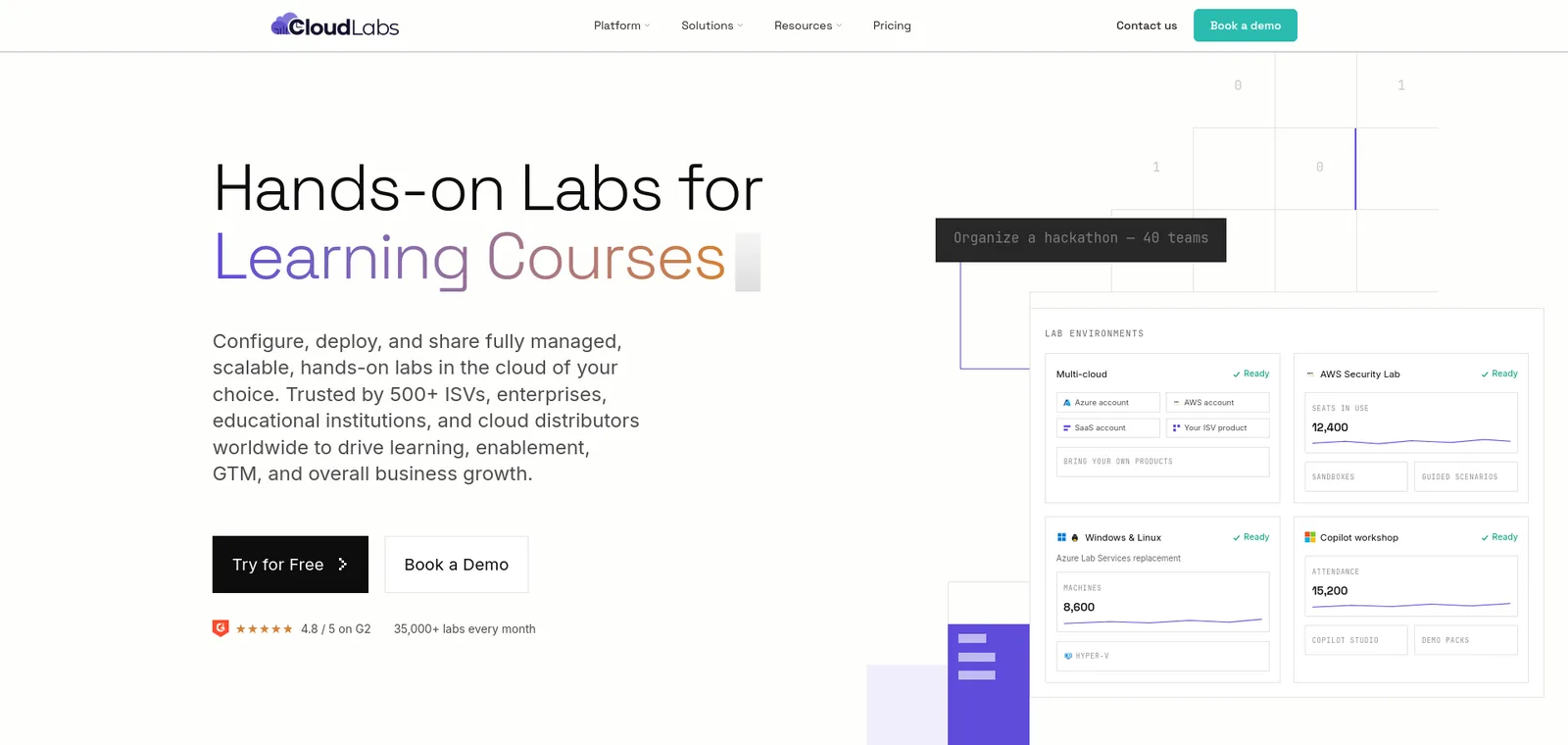
- What it is: “CloudLabs-managed sandbox environments” for hands-on learning, testing, demonstrations, POCs and technical enablement.
- Reset: “Persistent or non-persistent labs”. You can keep a user’s work across sessions or “reset to a clean environment every time”, and admins can reset resources or extend access when needed.
- Isolation: every learner gets a fully isolated sandbox, so “experiments, breakages, and resets stay contained per user”. Each user can have up to 5 VMs per lab for multi-tier and networking scenarios.
- Clouds: Azure, AWS, GCP and Oracle Cloud from one platform, plus private cloud and nested virtualization such as Hyper-V.
- Who builds it: the CloudLabs Professional Services team can “design, build, validate, and support your lab catalog end-to-end”. Your own team can also author labs with templates, REST APIs, PowerShell or the AI Lab Builder.
- Reuse: set a sandbox up once, then reuse the same configuration across training cohorts, customer POCs and certification cycles.
- Cost control: budget caps, idle lab detection, scheduled auto-shutdown, per-learner quotas and Power BI reports of spend per user and per lab.
- LMS: LTI 1.1 and 1.3 with Moodle, Canvas, Blackboard and Brightspace.
- Pricing: VM Labs costs $6 per active user a month on a CloudLabs-managed subscription, or $12 if you bring your own, with cloud costs passed through at your actual rates. Full-platform pricing is quoted.
- Scale: more than 5 million labs provisioned.
- Limitation: customized environments built around your product “are typically deployed within a few weeks”, and pricing beyond VM Labs is by quote.
2. Skillable
Best for: software vendors and training providers that want self-paced labs where learners reset by relaunching
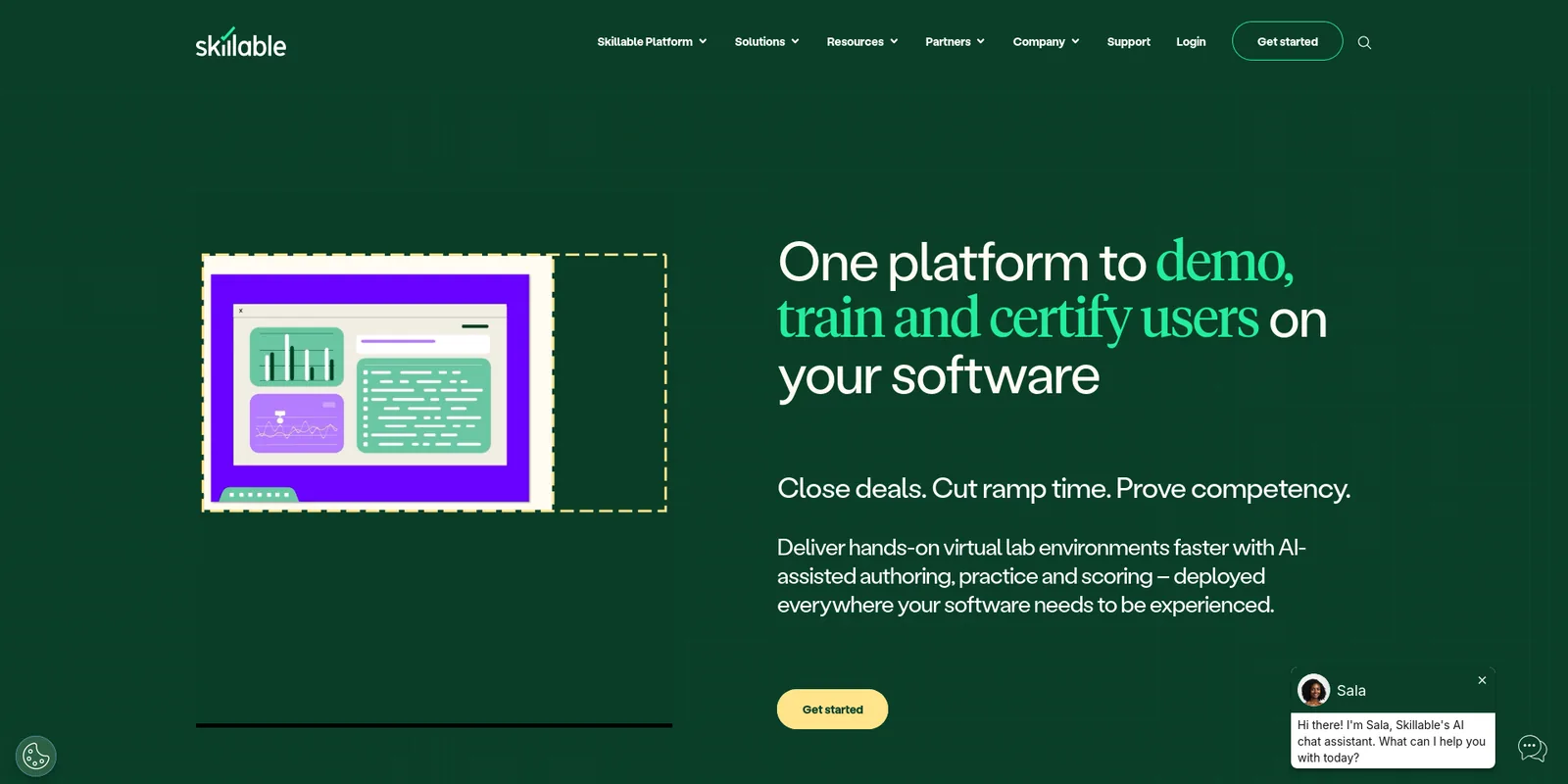
- What it is: hands-on labs for “complex software and AI tools”.
- Reset: “Make a mistake? Just close and relaunch to reset the environment.” Each launch gives a “fresh, pristine environment every time, automatically”.
- Isolation: a dedicated environment for each user and session, with automated teardown.
- Clouds: VM-based labs plus Azure and AWS cloud slices. The pages we read do not mention Google Cloud or Oracle.
- Who builds it: you author labs in Skillable Studio, or its lab developers build custom labs as a paid service.
- Cost control: cost control policies and free idle lab storage.
- LMS: connects to an LMS or LXP through LTI or API.
- Scale: since 2004, Skillable says, more than 400 companies have launched more than 50 million labs on it.
- Customers: Microsoft, Quest, Omnissa, Hyland and Calix.
- Limitation: no published pricing, and its documentation limits VM-based labs to a set of listed US, European and Asian regions.
3. Instruqt
Best for: developer-tool and infrastructure vendors whose engineers want to define sandboxes as code
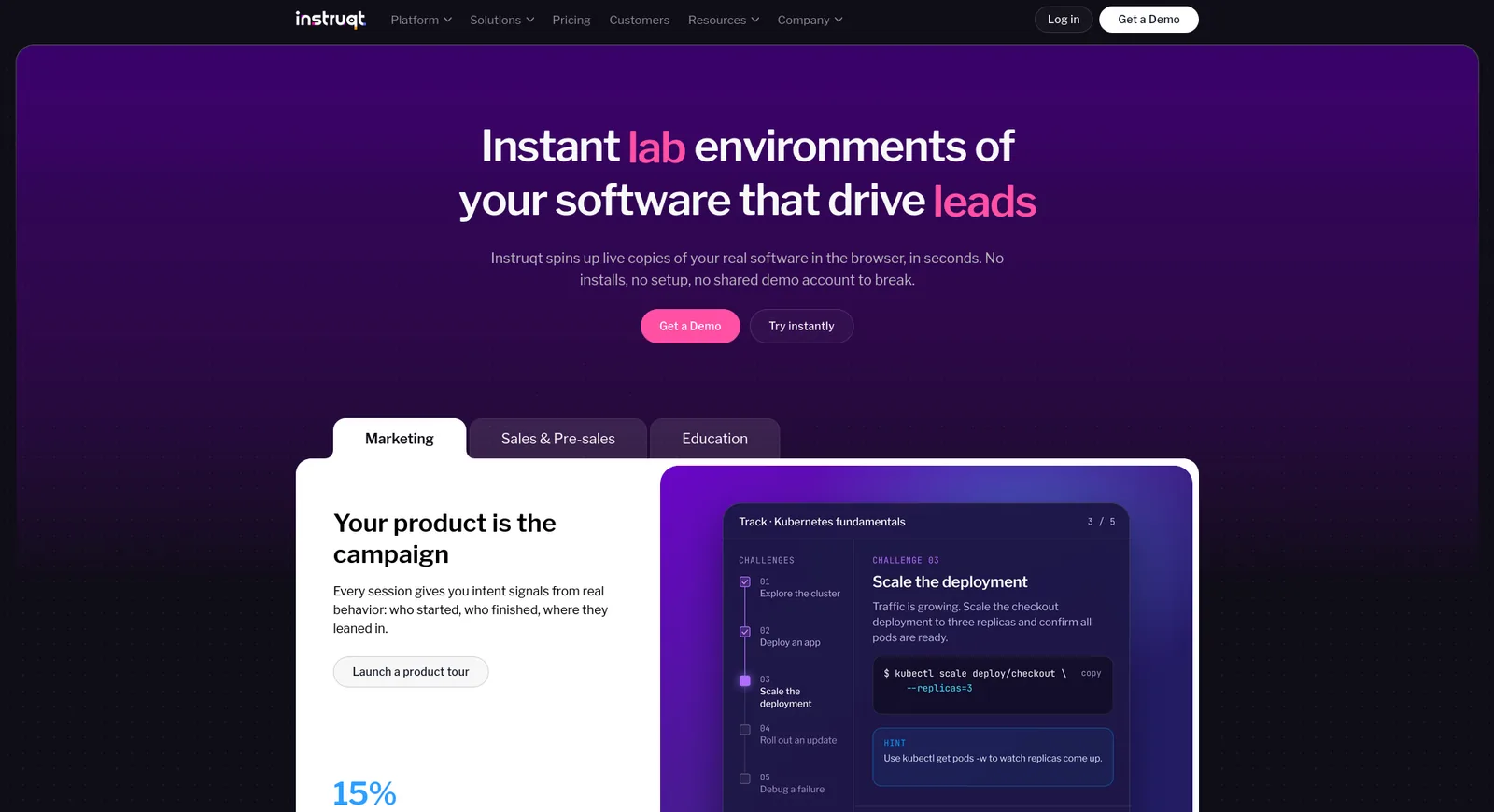
- What it is: sandboxes of VMs, containers and Kubernetes, now marketed mainly for product demos and go-to-market teams.
- Reset: every launch builds a new environment from the same definition, with no leftover state. Setup, pause, resume and cleanup scripts control the lifecycle.
- Isolation: Instruqt provisions a temporary account on AWS, Azure or GCP “for every sandbox instance that gets started”.
- Who builds it: your team, through lab-as-code and AI-assisted authoring.
- Cost control: every track needs a time limit and can have an idle timeout. You restrict which cloud services and regions learners can use.
- LMS: LTI 1.1 and LTI 1.3.
- Customers: HashiCorp, Octopus Deploy, LaunchDarkly, SUSE, Elastic, Datadog and Wiz.
- Pricing: consumption-based annual packages, with no published rates.
- Limitation: its LTI documentation says the score sent back to the LMS “is always a score of 1.0 or (100%)”, so finer-grained grading does not reach the gradebook.
4. CloudShare
Best for: training teams that run instructor-led virtual classes on VM-heavy, multi-tier environments
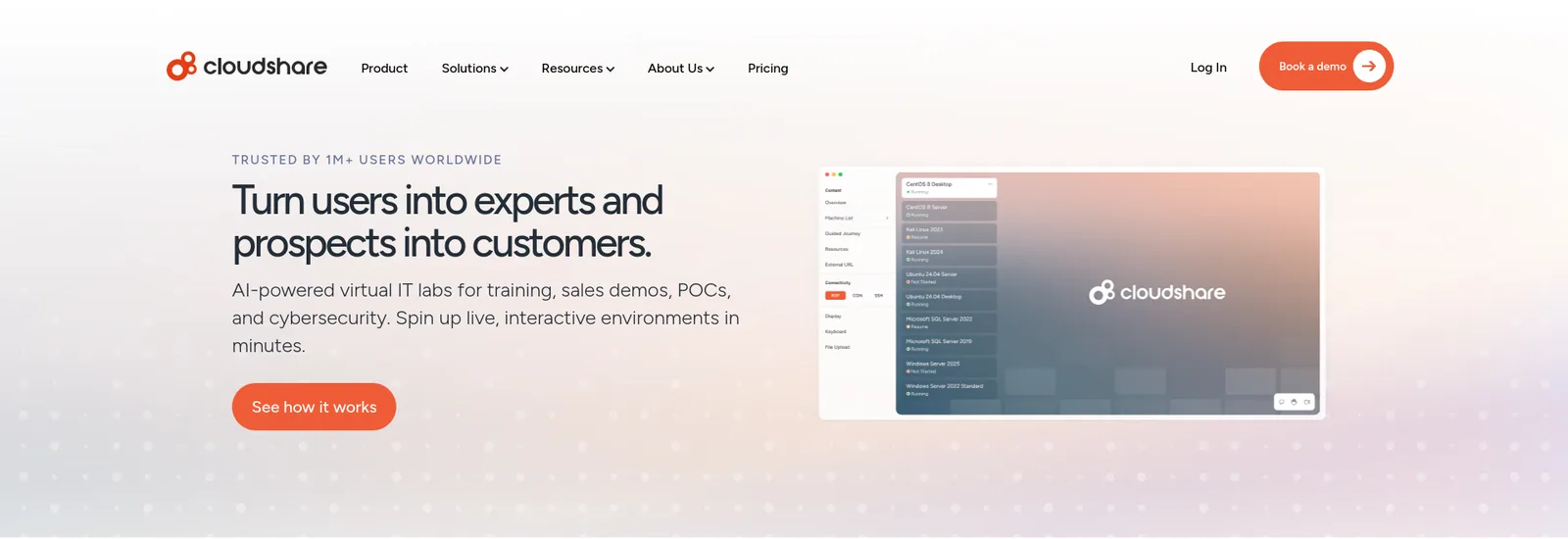
- What it is: “AI-powered virtual IT labs for training, sales demos, POCs, and cybersecurity”.
- Fresh copies: environments are cloned in one click from customizable templates.
- Clouds: cloud-agnostic.
- Instructor tools: instructors watch learners “over their shoulder” and chat with them live.
- Cost control: policies suspend or delete idle environments and cap usage time.
- Customers quoted on the site: Salesforce’s Trailhead Academy, Thales, RSA Security and ControlUp.
- Pricing: a flat rate with unlimited users, by quote. Vendr’s buyer data puts the median annual contract at $34,008.
- Limitation: the pages we read do not document LTI or gradebook passback, and CloudShare’s site blocked our fetch on October 27, 2026, so these details date from its pages as read on October 15, 2026.
5. ReadyTech
Best for: instructor-led training providers that schedule classes and want resets on demand
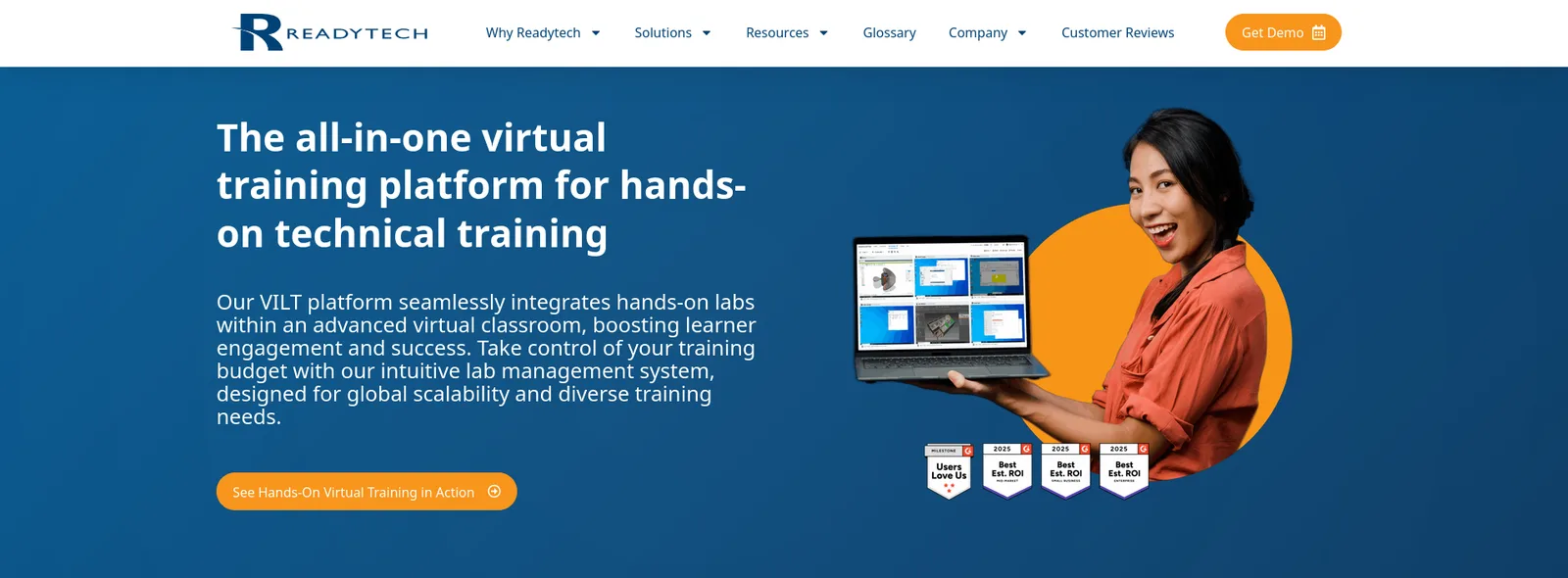
- What it is: “The all-in-one virtual training platform for hands-on IT training”.
- Reset: instructors can “reset supported lab environments when learners need a fresh start”.
- Clouds: AWS, Azure, GCP and OCI, plus ReadyTech-hosted, in-house and local labs.
- Who builds it: your team builds the environments and ReadyTech manages the infrastructure.
- Cost control: labs open when the class starts and close when it ends, and environments terminate automatically on a schedule.
- LMS: a REST API or LTI integration to schedule from an LMS.
- Customers: Johnson Controls, Epicor and OpenText.
- Pricing: pay-as-you-go or month-to-month subscriptions, by quote. In bring-your-own-cloud mode you pay your provider directly.
- Limitation: reset covers only “supported” labs, and the model is built around scheduled, instructor-led classes.
6. Heropa
Best for: smaller teams that want sandboxes that reset after every session, on a usage-based plan
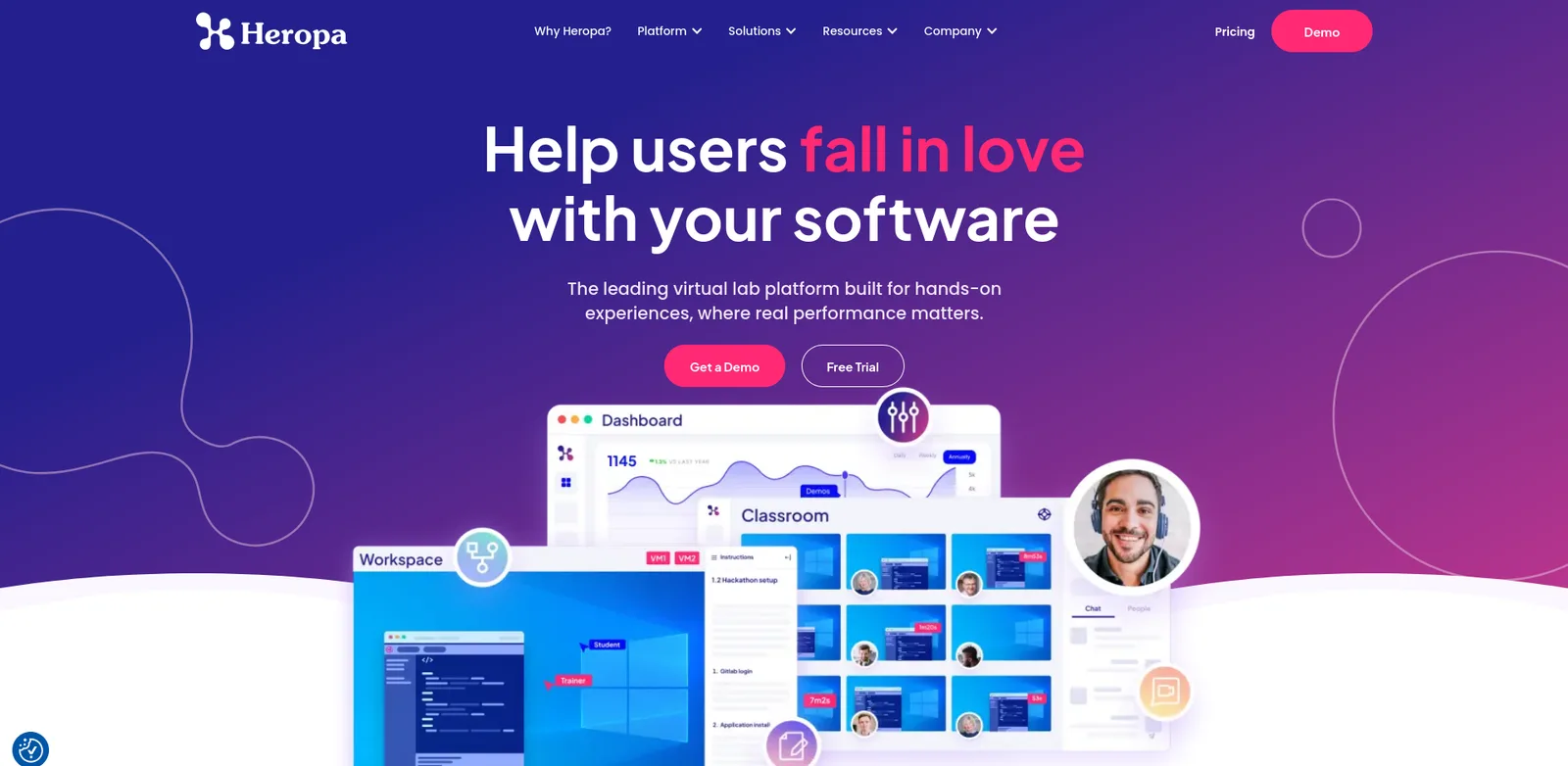
- What it is: on-demand sandbox environments for demos, training, QA and partner access.
- Reset: sandboxes are “isolated per user, pre-loaded with your software, and reset automatically after each session”.
- Clouds: templates from licensed AWS and Azure marketplace images, plus Hyper-V.
- Who builds it: your team, in a web-based template builder.
- Cost control: retention and deletion policies, and usage restrictions per environment or per user.
- LMS: Moodle, Canvas and Blackboard.
- Customers: Schneider Electric, CloudBees, Cognizant and Okta.
- Pricing: by quote, metered in Virtual Lab Unit hours.
- Limitation: “AWS Marketplace and Azure Marketplace costs are additional”, and the pages we read do not mention Google Cloud.
7. Strigo
Best for: software vendors that want to embed labs in their own web pages and LMS
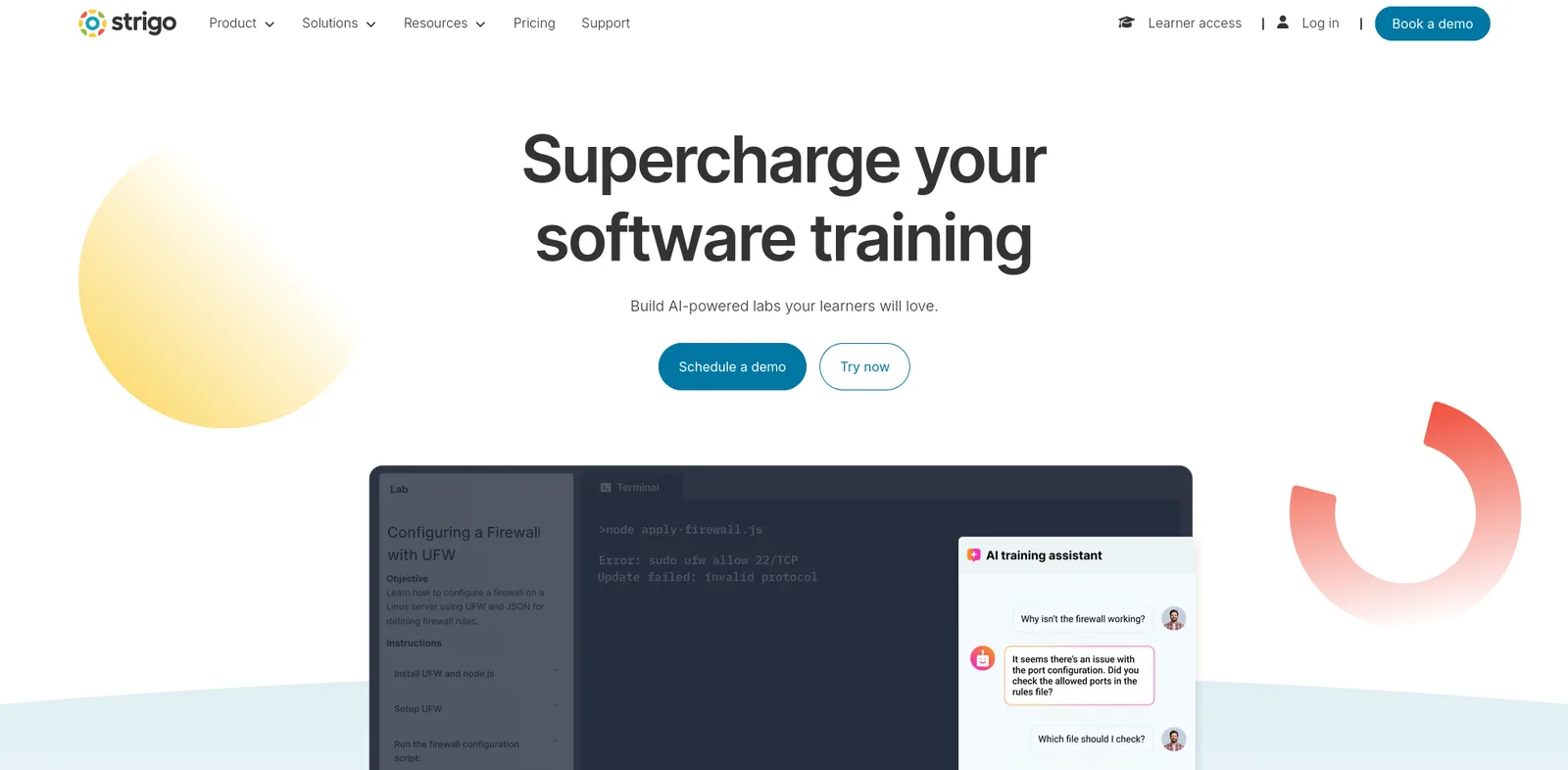
- What it is: “Build AI-powered labs your learners will love.”
- Reset: instructors and students can reboot their own labs, or replace a lab with a fresh one.
- Clouds: “Disposable cloud accounts” on AWS, Azure and GCP.
- Who builds it: your team, using custom image import, lab recording and initialization scripts. Strigo also sells professional services.
- LMS: embeds labs in web pages and LMS platforms.
- Customers: Elastic, Zenika and Mediaocean.
- Pricing: pay-as-you-go with no minimum, or monthly and yearly plans by quote.
- Limitation: Strigo’s help center says replacing a lab loses the student’s work up to that point. The pages we read list no idle shutdown or budget controls and do not name LTI.
8. 11:11 Systems Lab Engine
Best for: training on nested hypervisors, virtual appliances and complex networks, billed by the hour
- Background: formerly iland LabEngine.
- What it is: short-term virtual environments in the 11:11 Cloud.
- Reset: “Deploy and revert environments on demand or schedule in advance with a built-in calendar function.”
- Environment types: nested hypervisors, virtual appliances and multi-tiered networks, built from saved templates.
- Instructor tools: proctors can open the console of any running environment.
- Pricing: “simple hourly, pay-per-use”, by quote.
- Limitation: it runs only in the 11:11 Cloud, not on AWS, Azure or Google Cloud, and the page names API access but no LMS or LTI support.
9. Pluralsight Cloud Sandboxes
Best for: teams that want ready-made cloud sandboxes bundled with a course library
- What it is: AWS, Azure and GCP sandboxes with “secure, credentialed access for up to eight hours”.
- Cost: Pluralsight covers the cost of building, securing and managing the environments.
- Custom sandboxes: you submit a cloud-native template and Pluralsight reviews it before publishing it to your plan.
- Plans: “Only Enterprise plans include custom cloud sandboxes.”
- Limitation: sessions end after eight hours, the page documents no reset or snapshot feature, and it names no LMS integration.
10. Kyndryl Cloud Uplift (formerly Skytap)
Best for: training on IBM Power workloads such as AIX and IBM i
- Ownership: Kyndryl acquired Skytap in May 2024, and skytap.com now redirects to Cloud Uplift.
- Training use: virtual IT labs for “flexible, scalable, and easy-to-provision virtual training”.
- Reset model: each course maps to at least one template, and you can create templates that represent different “states” of the course.
- Who builds it: your team. Kyndryl says virtual classrooms can be provisioned “without the need for IT support”.
- Cost control: consumption control measures in Course Manager, on consumption-based pricing.
- Limitation: it runs on Azure and is now marketed mainly for moving IBM Power workloads, so training is a secondary use case.
Training sandbox platforms compared
| Platform | Reset model | Runs on | Builds custom environments for you | LMS |
|---|---|---|---|---|
| CloudLabs | Persistent or reset every launch; admin reset | AWS, Azure, GCP, Oracle, private cloud, Hyper-V | Yes, Professional Services, or self-author | LTI 1.1 and 1.3 |
| Skillable | Close and relaunch | VMs, Azure, AWS | Yes, paid service, or self-author | LTI, API |
| Instruqt | New environment every launch | Per-session AWS, Azure, GCP accounts | No, self-author | LTI 1.1 and 1.3 (pass/fail score) |
| CloudShare | One-click clone from template | Cloud-agnostic | Not stated | Not documented |
| ReadyTech | Reset for supported labs | AWS, Azure, GCP, OCI, hosted | No, self-author | LTI, API |
| Heropa | Automatic after each session | AWS, Azure marketplace images, Hyper-V | No, self-author | Moodle, Canvas, Blackboard |
| Strigo | Reboot or replace (work lost) | AWS, Azure, GCP accounts | Professional services available | Embed, LTI not named |
| 11:11 Lab Engine | Revert on demand or on schedule | 11:11 Cloud | Not stated | API only |
| Pluralsight | Not documented; 8-hour session | AWS, Azure, GCP | No, Pluralsight reviews your template | Not named |
| Kyndryl Cloud Uplift | Template states | Azure, IBM Power | No, self-author | “Support for your LMS” |
How to choose a training sandbox platform
- Pick the reset model first.
- Self-paced learners who break things need a fresh copy on every launch.
- Multi-day courses need persistence, so learners keep their work, plus a reset when they get stuck.
- A platform that only replaces labs will cost learners their progress.
- Match the infrastructure.
- Training on your own product needs the same cloud it runs on in production.
- Only CloudLabs and ReadyTech name Oracle Cloud here.
- 11:11 and Kyndryl run in one cloud each.
- Decide who builds the environment.
- CloudLabs and Skillable will build custom environments for you.
- Instruqt, Heropa, ReadyTech and Strigo expect your engineers to author and maintain them.
- Check cost guardrails. Look for time limits, idle shutdown and per-learner budget caps, because an abandoned sandbox keeps billing.
- Confirm the LMS link. If completions must reach Canvas, Moodle or your corporate LMS, ask for LTI 1.3 and check what score is sent back.
- Pilot one course. Run a single cohort and measure resets, idle hours and cloud spend per learner before you sign an annual contract.
FAQ
What is a training sandbox environment?
It is an isolated, non-production copy of real software and infrastructure where each learner practices hands-on. It can be reset to a known state, and time limits and idle shutdown keep its cost under control.
What is the difference between a training sandbox and a test or dev sandbox?
A dev or test sandbox is built for engineers to try code changes against one shared copy of a system. A training sandbox is built for learners: one isolated copy per person, a guided starting state, a reset, and controls on time and cost.
Which training sandbox platforms let learners reset their environment?
Skillable resets when a learner closes and relaunches the lab. CloudLabs can reset to a clean environment every time or keep work between sessions. Heropa resets automatically after each session, ReadyTech resets supported labs, and Strigo replaces a lab with a fresh one, which loses the learner’s work.
What is a cloud based training environment?
A training environment that runs on AWS, Azure, Google Cloud or a vendor’s own cloud and opens in a browser. Learners install nothing, and the environment can be created and torn down for each session.
How much does a training sandbox platform cost?
Most vendors quote. CloudLabs publishes VM Labs at $6 per active user a month, or $12 if you bring your own subscription, with cloud costs passed through. Vendr’s buyer data puts CloudShare’s median annual contract at $34,008. Heropa meters usage in Virtual Lab Unit hours, and 11:11 bills by the hour.
Conclusion
For enterprises and software vendors that need custom training sandboxes, CloudLabs is the best training sandbox platform on this list.
- Reset your way: it is the only platform here that documents both persistent labs and labs that reset to a clean environment on every launch.
- Isolation: each learner gets a fully isolated sandbox with up to 5 VMs per lab.
- Clouds: Azure, AWS, GCP and Oracle Cloud, plus private cloud and Hyper-V.
- Managed build: its Professional Services team designs, builds and supports the lab catalog, or your team authors labs itself.
- Cost: budget caps, idle detection, auto-shutdown and a published $6 per active user VM Labs price.
- LMS: LTI 1.1 and 1.3 with Moodle, Canvas, Blackboard and Brightspace.
- Proof: more than 5 million labs provisioned.
If your engineers want to write every sandbox as code, Instruqt gives them that control. If you want a large ready-made lab catalog with relaunch resets, look at Skillable. If you need custom sandboxes built and run for you, start with CloudLabs.
See CloudLabs cloud sandboxes.
For related roundups, see the top 10 virtual lab platforms, the best customer training platforms, the best sales demo environment platforms and the guide to virtual IT lab pricing.
Related Blogs
 CloudLabsHow to Run a Hands-On Technical WorkshopRun a hands-on technical workshop in 9 steps: format, agenda, staffing ratios, lab provisioning, pacing, backups and teardown, plus 5 lab platforms compared.
 CloudLabs10 Best Cloud Lab Platforms for Education in 2026The 10 best cloud lab platforms for teaching cloud computing in 2026, ranked on real consoles, cost controls and LMS fit: CloudLabs, Vocareum, Skillable.