10 Best Cloud Lab Platforms for Education in 2026
The 10 best cloud lab platforms for teaching cloud computing in 2026, ranked on real consoles, cost controls and LMS fit: CloudLabs, Vocareum, Skillable.
The best cloud lab platform for teaching cloud computing gives each student a real cloud environment, caps what it can spend and reports back to your LMS. CloudLabs, Vocareum and Skillable do all three. AWS Academy, Google Skills and Microsoft Learn for Educators are free, and each covers one cloud. Azure Lab Services retires on June 28, 2027.
We ranked 10 cloud lab platforms for colleges, universities and online programs on four criteria: whether students work in a real AWS, Azure or Google Cloud console, how the platform controls cost per student, how it connects to Canvas, Moodle, Blackboard or Brightspace, and how much public evidence backs the vendor’s claims. Most pages that rank for this search target individual learners or life-science labs, and none of the roundups we read covers LTI, per-student cost controls or the Azure Lab Services retirement. Each entry has a “best for” line and one limitation from the vendor’s own pages, all checked on October 15, 2026.
Quick picks: the best cloud lab platform for education by use case
| If you need | Start with |
|---|---|
| Real AWS, Azure, GCP and Oracle labs inside Canvas or Moodle, with per-student cost limits | CloudLabs |
| Free AWS curriculum and a Learner Lab | AWS Academy |
| Hard spending caps per learner on AWS, Azure or Google Cloud | Vocareum |
| A replacement for Azure Lab Services with cloud-console labs | CloudLabs or Skillable |
| Virtual desktops for Windows and Linux courses | Apporto |
| Free Azure credit for every student | Microsoft Learn for Educators |
| Networking and security courses on your own hardware | NDG NETLAB+ |
1. CloudLabs
Best for: colleges and universities that teach AWS, Azure, Google Cloud or Oracle Cloud and want labs inside the LMS with cost limits per student
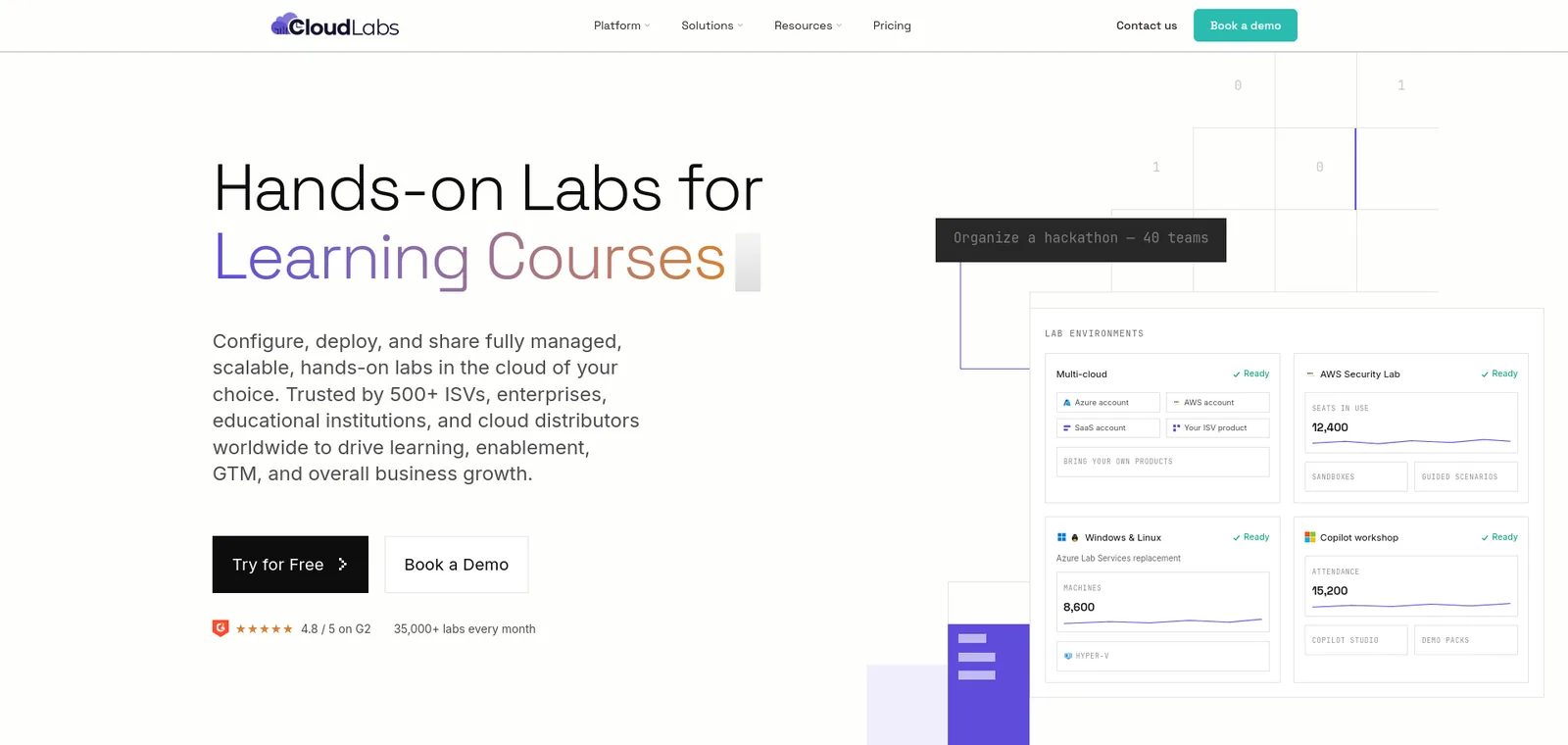
- Clouds: AWS, Azure, GCP and Oracle Cloud from one control plane.
- LMS: labs launch from Canvas, Moodle, Blackboard, Brightspace and edX over LTI 1.1 and 1.3, and scores post to the gradebook.
- Cost control: usage limits, scheduled lab hours and automatic shutdown of idle environments.
- Instructor tools: Shadow VM lets instructors watch student progress and help in real time.
- Pricing: VM Labs plans cost $6 per active user a month on a CloudLabs-managed subscription or $12 on your own. Cloud costs pass through at your provider’s rates, and only users who launch a lab VM count.
- Institutions:
- Seneca Polytechnic delivered Azure Fundamentals training to about 6,000 students.
- Austin Community College teaches AWS machine learning labs on it.
- Wayne Community College has a published case study on AI-900 labs.
- Databricks: through the CloudLabs and Databricks University Alliance, institutions get fixed-cost Databricks lab environments for a predictable per-student fee.
- Compliance: FERPA, COPPA, GDPR and SOC 2 Type II.
- Recognition: Microsoft recommends it for institutions leaving Azure Lab Services.
- Limitation: CloudLabs says VM Labs, its Azure Lab Services replacement, runs on Azure. AWS, Google Cloud and Oracle labs come through the wider platform, which is custom-quoted.
2. AWS Academy Learner Lab
Best for: programs that teach AWS only and want a free curriculum with real AWS access
- Curriculum: “a free, ready-to-teach cloud computing curriculum” for higher education institutions.
- Learner Lab for instructors:
- Create a class, invite students and assign your own projects.
- View a student’s workspace and analytics on time and money spent.
- Access over 100 AWS services in the real console.
- Delivery: Vocareum says AWS Academy chose it to deliver the hands-on labs.
- Limitation:
- AWS’s educator guide, dated 2021, gives each student a $100 credit, a 4-hour session timer and a restricted set of services.
- A university-hosted copy of AWS’s foundational services document limits access to the us-east-1 and us-west-2 regions and caps EC2 at nano through large instances.
- It covers only AWS, and its page does not mention LTI.
3. Vocareum
Best for: programs that want hard spending caps per learner on AWS, Azure, Google Cloud or Databricks
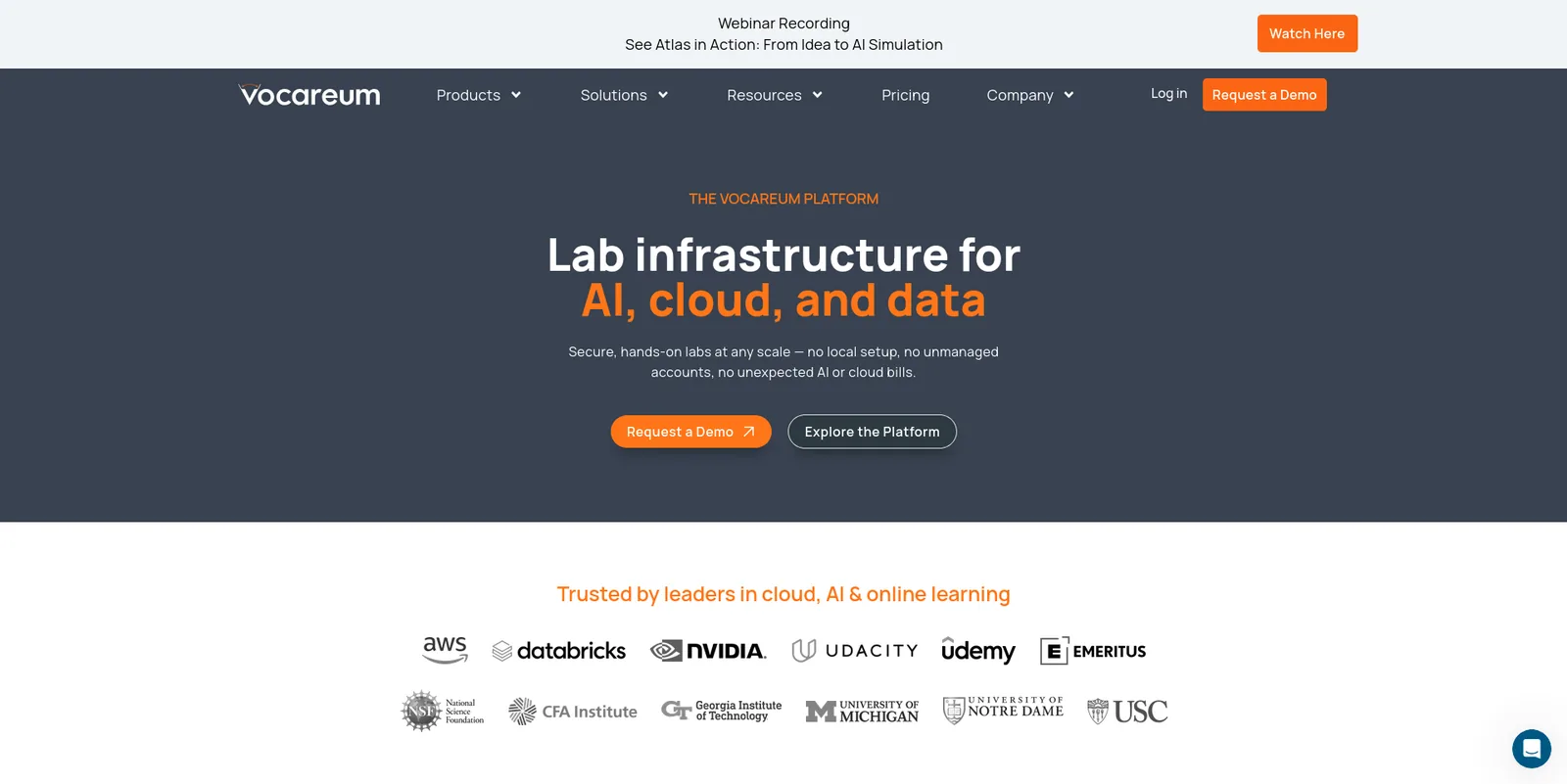
- What it is: “lab infrastructure for AI, cloud, and data”, with governed console access to AWS, Azure, Google Cloud and Databricks, in Vocareum-managed accounts or your own.
- LMS: LTI 1.3 and 1.1 with Canvas, Blackboard, Moodle and D2L Brightspace.
- Cost control: “hard caps per learner, idle timers, model-access limits and auto-teardown”. Its help center lets instructors set budget by time and spend, session length and what happens at End Lab.
- AWS Academy: Vocareum also delivers it.
- Institutions: Georgia Tech, the University of Michigan, Notre Dame and USC appear on its site.
- Limitation: its pricing page lists $10 per monthly active user and adds that “additional resource fees apply for AI, virtual machines and cloud labs”. Microsoft’s Azure Lab Services retirement guide does not list it as a recommended partner.
4. Skillable
Best for: programs that need Azure, AWS or Google Cloud labs, performance-based assessments and Azure Lab Services migration support
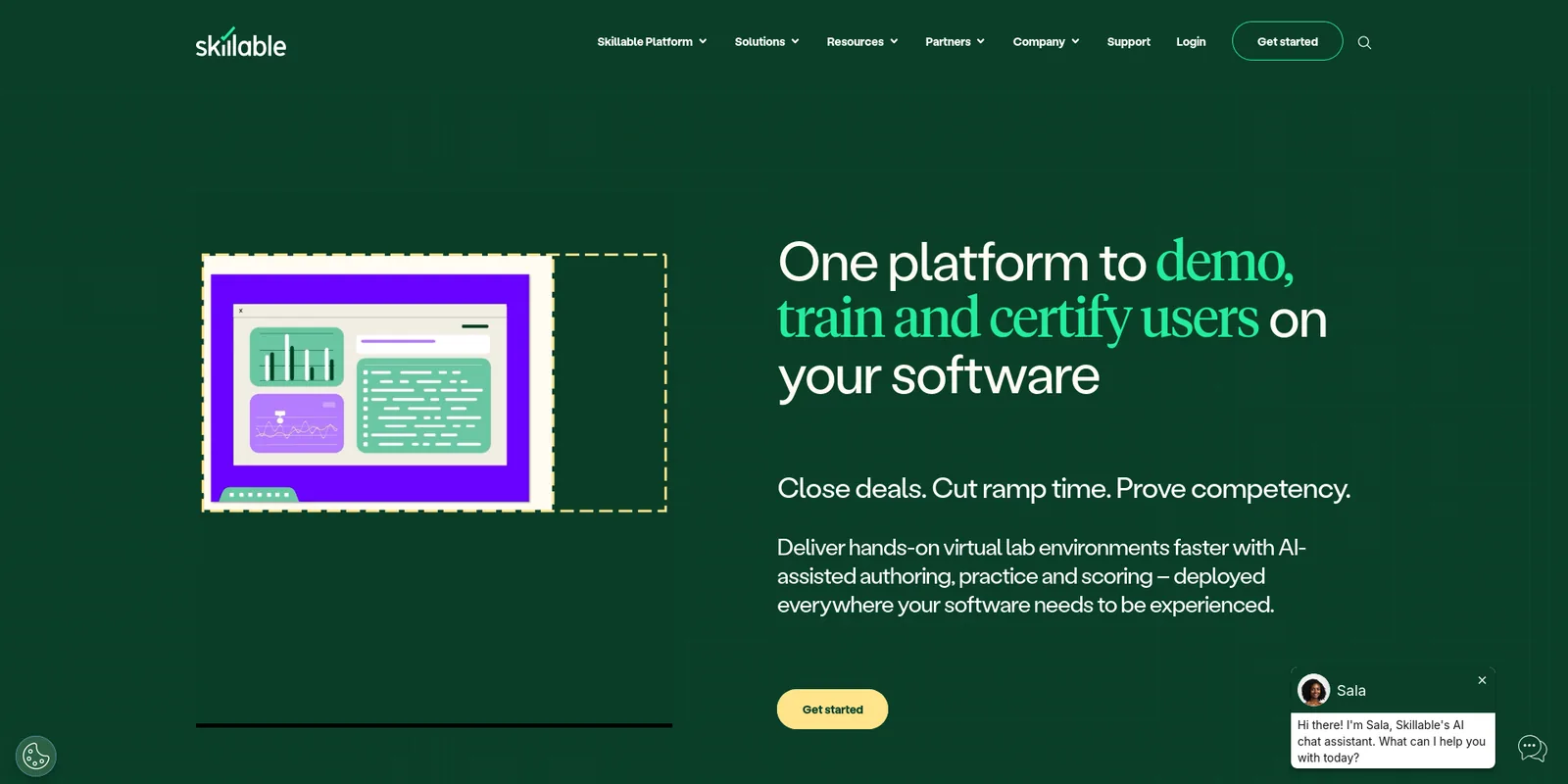
- Azure Lab Services: calls itself “an authorized Microsoft Azure Lab Services provider”.
- Clouds: Cloud Slice gives each learner a slice of one cloud subscription, with full support for Azure, AWS and GCP. The academic page offers native Azure and AWS integrations.
- Assessments: performance-based assessments for mid-term and final exams.
- LMS: LTI 1.3 with guides for Blackboard, Canvas and Moodle. It calls itself LTI Advantage Complete certified.
- Customers: GCU and WGU appear as academic customers on its page.
- Cost control: access control policies are the main mechanism, and learners can extend a session up to 50% beyond the configured time.
- Limitation:
- Saved labs keep incurring cloud charges.
- A Skillable-owned subscription costs the cloud provider’s price plus a 25% management fee and an annual management fee.
- It publishes no academic price list.
5. Apporto
Best for: courses that need Windows or Linux virtual desktops and apps in the browser
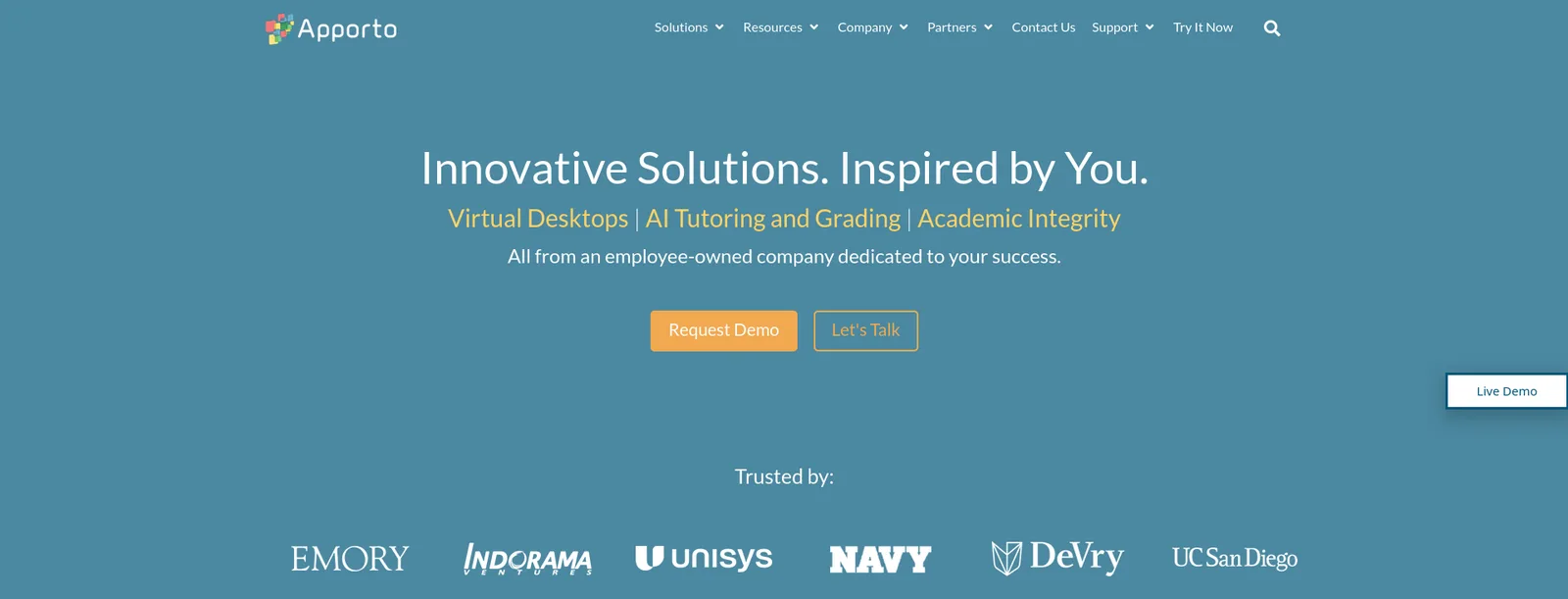
- What it is: virtual desktops and virtual labs for higher education.
- Pricing:
- Basics plan: $12 per named user a month, plus your own Azure consumption.
- Managed tier: a fixed $27 to $101 per concurrent user a month, covering compute, storage and network.
- LMS: connects to Blackboard, Canvas, D2L and Moodle through LTI.
- Instructor tools: teachers can view all student screens at once.
- Recognition: appears on Microsoft’s list of recommended Azure Lab Services partners. DeVry University is moving to it from Azure Lab Services.
- Limitation: the pages we read describe virtual desktops on Azure, not AWS or Google Cloud console accounts, and the LTI version is not stated.
6. Microsoft Learn for Educators and Azure for Students
Best for: Azure courses on a budget, with free curriculum and annual student credits
- Curriculum: Microsoft Learn for Educators gives faculty at accredited institutions free official curriculum. Its benefits table lists lab environments for teaching as free for institutions.
- Student credit: students get access to more than 25 free Azure services and $100 in Azure credit that renews annually.
- Azure for Students: a $100 credit to use within 12 months, with no credit card.
- Limitation:
- Azure for Students is available only to full-time university students, and the credit belongs to the student, so an instructor has no class-wide spending view.
- The Microsoft Learn for Educators page does not name the lab provider.
- Both programs cover only Azure.
7. Google Skills and Google Cloud education credits
Best for: programs that teach Google Cloud and can use free credits
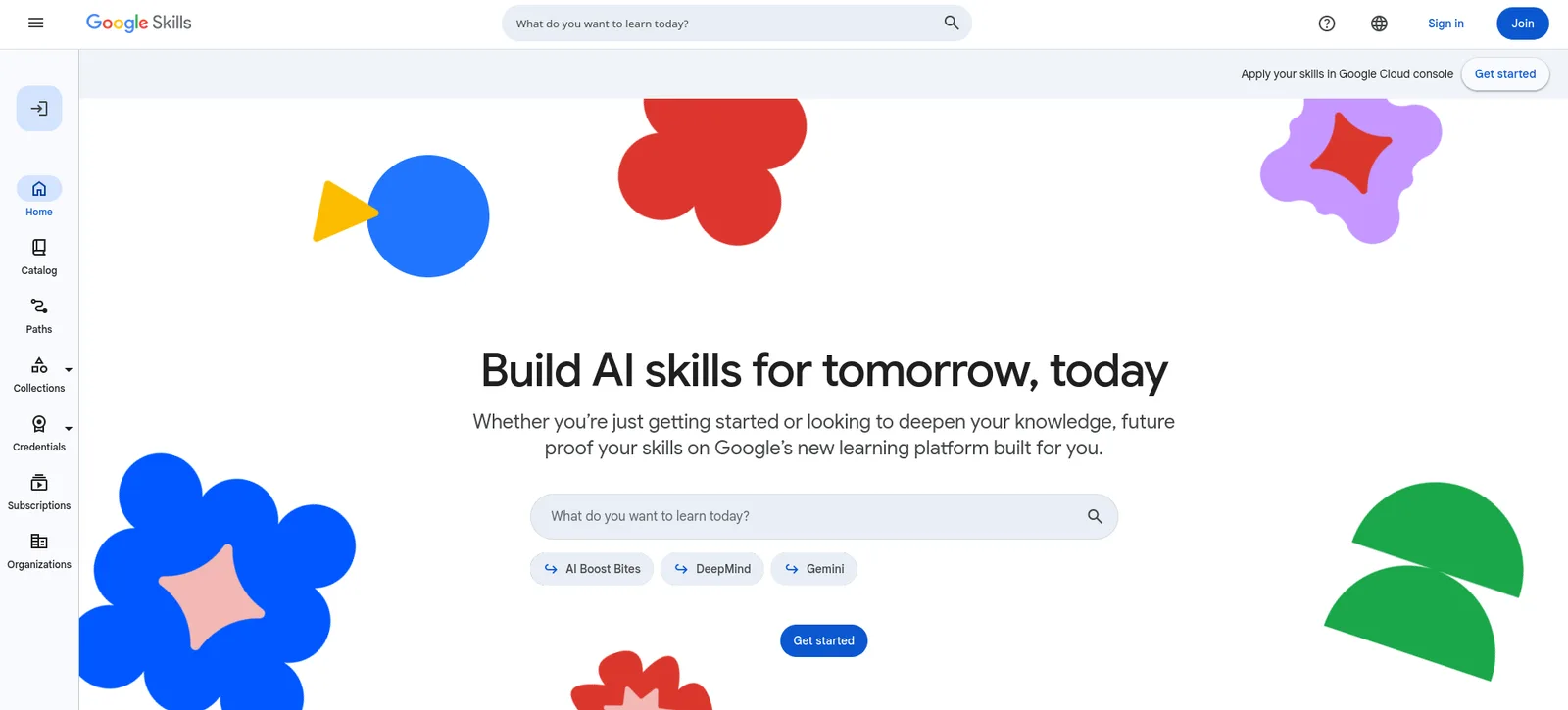
- Rebrand: Google Cloud Skills Boost is now Google Skills, announced on October 10, 2025. It brings together nearly 3,000 courses and labs.
- Labs: run in a real console with temporary credentials.
- Credits: eligible faculty can apply for up to $100 in Google Cloud credits per teaching staff member and up to $50 per student.
- Limitation:
- Google limits credits to regionally accredited programs in the United States, and eligibility elsewhere depends on the country. For-profit institutions are not supported.
- Labs cover only Google Cloud, and we found no LTI documentation.
8. Pluralsight cloud sandboxes
Best for: IT programs that want self-directed sandboxes on AWS, Azure and Google Cloud next to a content library
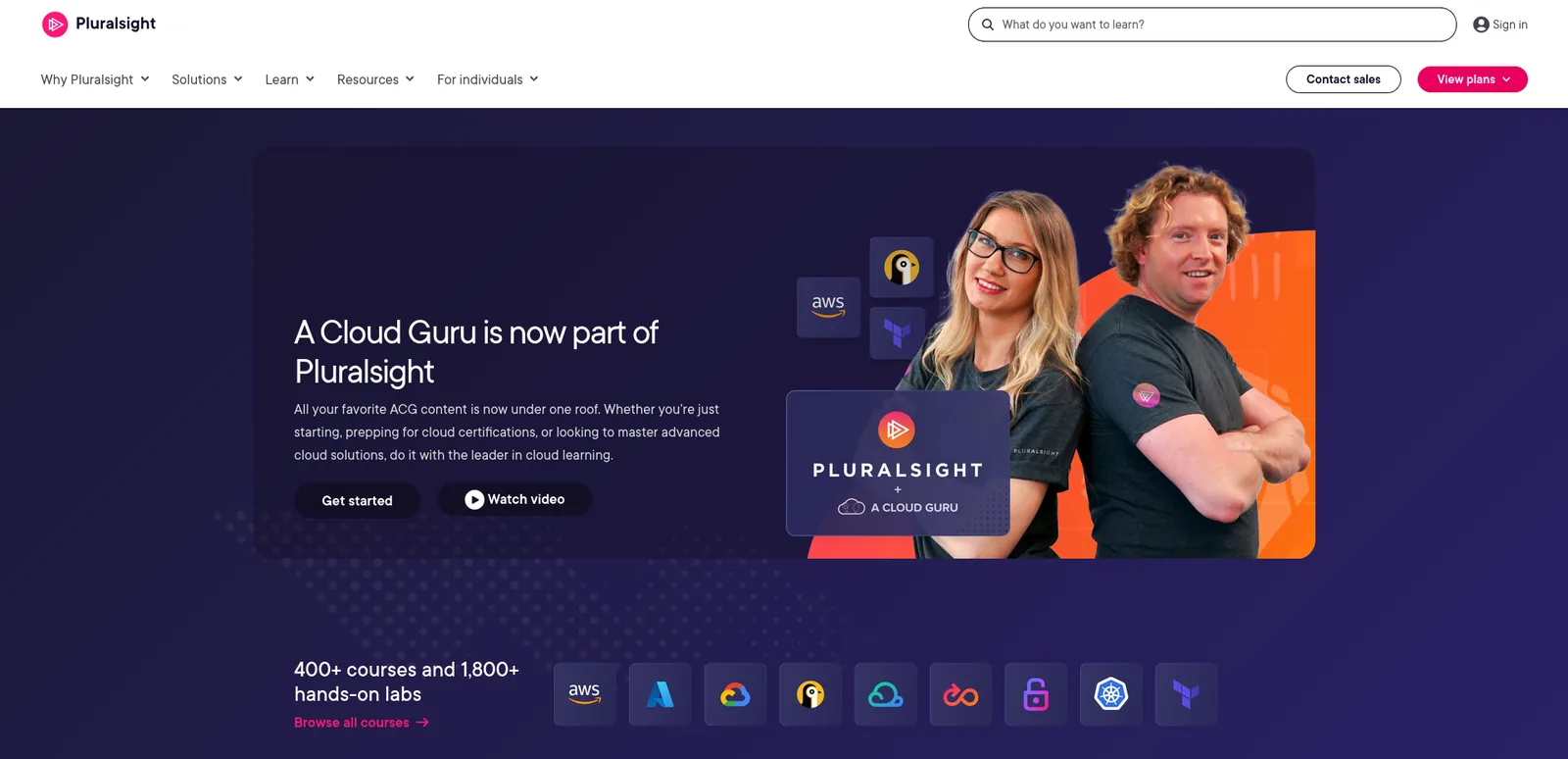
- Background: A Cloud Guru is now part of Pluralsight.
- Sandboxes: live AWS, Azure and GCP environments with “secure, credentialed access for up to eight hours”. A hands-on playground adds up to nine virtual machines.
- Higher education: its page names Utah Tech University, Miami Dade College and Utah Valley University.
- Plans: its pricing page lists a Cloud+ plan built from A Cloud Guru courses and labs.
- Limitation: Pluralsight describes its sandboxes as “open environments with little to no guidance”, and it sells higher education access through its sales team.
9. KodeKloud
Best for: DevOps and cloud courses that need low-friction playgrounds
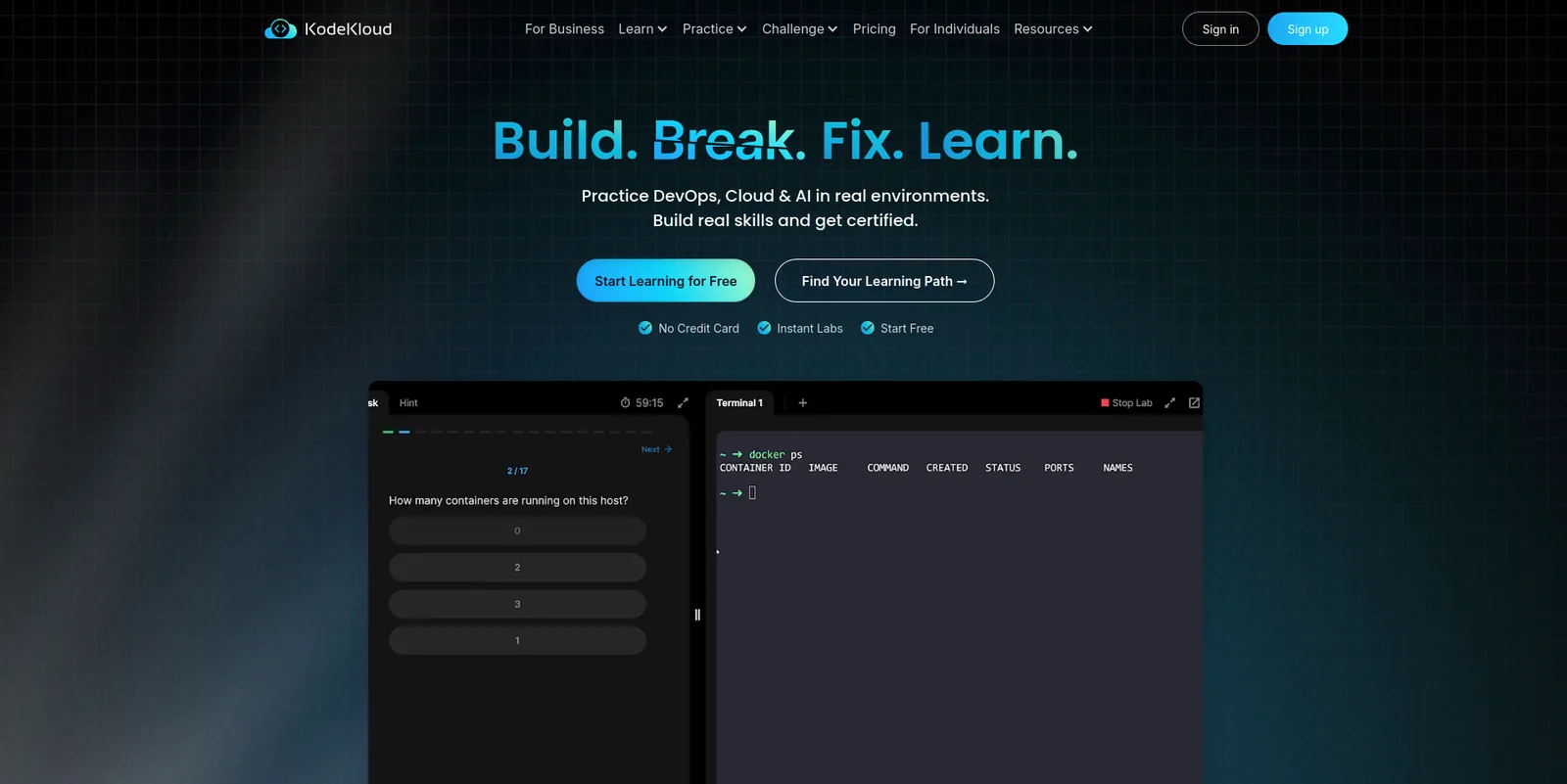
- Offer: Cloud Playgrounds give “instant access to AWS, Azure and Google Cloud in a controlled environment”, and the AWS card says “launch real AWS services”.
- Plans: Standard, Pro, AI and Business. Business is a custom quote with a two-seat minimum billed annually.
- Education: KodeKloud runs an academia page for colleges.
- Limitation:
- The AWS playground allows only small instance types, from t2.nano to t3.medium, and three US regions.
- The Azure playground offers four US regions, no extra resource groups and no billing access.
- The academia page names no LTI support or instructor tools.
10. NDG NETLAB+ and NDG Online
Best for: networking, security and system-administration courses on your own hardware or in NDG’s hosted labs
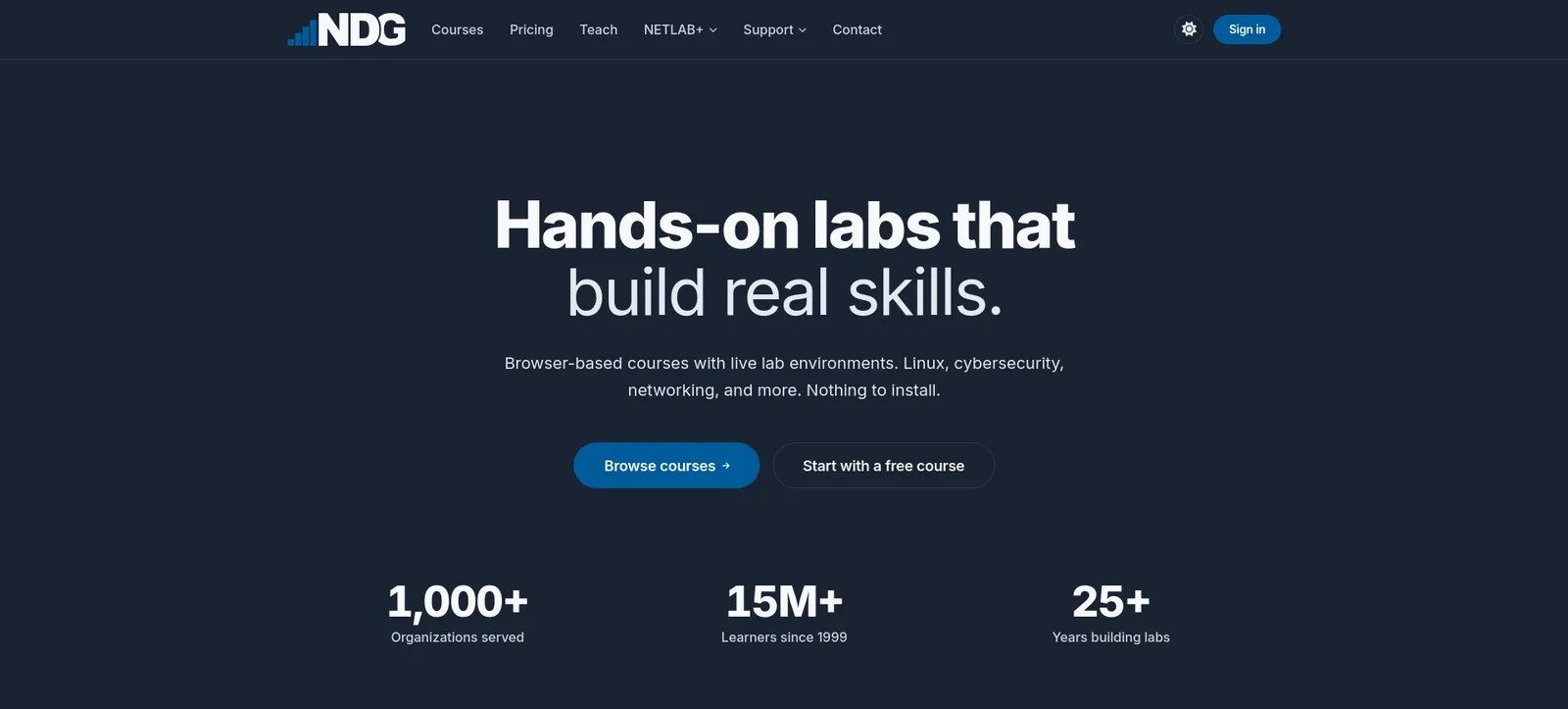
- Products: NETLAB+ is a private-cloud lab platform that runs as a virtual appliance on your infrastructure. NDG Online is the hosted version.
- LMS: NDG Online supports any LTI 1.x LMS with grade passback for verified educators at accredited institutions.
- Curriculum: aligns with Cisco CCNA, Red Hat RHCSA and CompTIA Security+, plus Palo Alto Networks content.
- Pricing:
- NETLAB+ academic pricing is $9,995 for 16 pods with the first year of maintenance.
- NDG Online charges per learner per course. Its Cloud Security Automation course costs $40.
- Limitation:
- NDG’s cloud courses run in its own browser environments, and “no cloud provider account is required”, so students do not touch the AWS, Azure or Google Cloud consoles.
- NDG ended its VMware labs after Broadcom terminated the VMware IT Academy program.
If you run Azure Lab Services today
- Retirement date: Microsoft’s retirement guide says Azure Lab Services “will be retired on June 28, 2027”.
- New customers: sign-ups closed after July 15, 2024.
- After the date: you will not have access to lab accounts, lab plans or labs.
- Microsoft’s own options: Azure Virtual Desktop and Windows 365 Cloud PC.
- Recommended partners: for a similar lab service, Microsoft recommends Apporto, CloudLabs and Skillable, and says these partners support LMS integrations with platforms such as Canvas.
- What to do now:
- Inventory your lab templates.
- List the courses that depend on them.
- Decide whether each needs a desktop or a cloud console. Desktop-only courses can move to Apporto, and courses that teach a cloud console fit CloudLabs or Skillable.
How to choose a cloud lab platform for education
- Check whether students use a real console.
- AWS Academy, Google Skills, Vocareum, Skillable, CloudLabs and KodeKloud give real consoles, some under restrictions.
- NDG’s cloud courses and Apporto’s desktops do not.
- Compare how each platform controls cost.
- Per-student credits from the free programs run out and give instructors little view.
- Vocareum, CloudLabs and Skillable add caps, idle timers and class-wide policies.
- Ask what happens to a saved lab, because Skillable says saved labs keep incurring charges.
- Check the LMS connection.
- LTI should launch the lab from the course and return the grade.
- Vocareum, CloudLabs, Skillable, NDG Online and Apporto document it. AWS Academy, Google Skills and KodeKloud do not on the pages we read.
- Match the cloud to your curriculum. A program that teaches AWS, Azure and Google Cloud needs a multi-cloud platform or more than one free program.
- Price a full class. Add the platform fee and cloud consumption for your lab hours, as in the guide to virtual IT lab pricing.
Cloud lab platforms compared
| Platform | Clouds | Real console | LMS connection | Cost control | Pricing |
|---|---|---|---|---|---|
| CloudLabs | AWS, Azure, GCP, Oracle | Yes | LTI 1.1 and 1.3 | Usage limits, scheduled hours, idle shutdown | VM Labs $6 or $12 per user a month; platform by quote |
| AWS Academy | AWS | Yes, restricted | Not on its page | $100 credit, 4-hour sessions | Free for institutions |
| Vocareum | AWS, Azure, GCP, Databricks | Yes | LTI 1.3 and 1.1 | Hard caps per learner | $10 per monthly active user plus resource fees |
| Skillable | Azure, AWS, GCP | Yes | LTI 1.3 | Access control policies | By quote |
| Apporto | Azure | Virtual desktops | LTI | Time limit per student | $12 per named user a month (Basics) |
| Microsoft Learn for Educators | Azure | Yes | Not on its page | $100 student credit | Free curriculum |
| Google Skills | Google Cloud | Yes | None found | Credits per student | Faculty credits up to $100 |
| Pluralsight | AWS, Azure, GCP | Yes | None found | 8-hour sessions | By quote |
| KodeKloud | AWS, Azure, Google Cloud | Yes, restricted | None found | Fixed limits | Business by quote |
| NDG | NDG’s own environments | No | Any LTI 1.x (NDG Online) | Per-learner pricing | NETLAB+ $9,995 for 16 pods |
FAQ
What is the best cloud lab platform for teaching cloud computing?
For programs that teach AWS, Azure, Google Cloud or Oracle and want labs inside the LMS with cost limits per student, CloudLabs. For a free AWS-only curriculum, AWS Academy. For hard spending caps per learner, Vocareum.
Do students use a real cloud console or a simulated sandbox?
AWS Academy, Google Skills, Vocareum, Skillable, CloudLabs and KodeKloud give a real console with temporary credentials and restrictions. NDG’s cloud courses run in its own environments, and Apporto delivers virtual desktops.
How do online IT degrees differ in hands-on virtual lab access?
Programs choose between free vendor programs, managed lab platforms and on-premises labs.
- Free vendor programs: AWS Academy gives each student a credit and a restricted console.
- Managed platforms: CloudLabs, Vocareum and Skillable launch labs from the course over LTI and cap spending.
- On-premises labs: NETLAB+ gives remote access to your own hardware.
Ask a program whether labs run on a real console and whether grades reach the LMS.
Which cloud lab platforms work with Canvas, Moodle, Blackboard and Brightspace?
- CloudLabs: Canvas, Moodle, Blackboard, Brightspace and edX over LTI.
- Vocareum: Canvas, Blackboard, Moodle and D2L Brightspace.
- Skillable: guides for Blackboard, Canvas and Moodle.
- NDG Online: any LTI 1.x LMS.
- Apporto: Canvas, Blackboard, D2L and Moodle.
How much do cloud lab platforms cost for a class?
Published prices differ. Vocareum lists $10 per monthly active user plus resource fees, CloudLabs lists $6 or $12 per active user a month plus cloud costs, and Apporto lists $12 per named user a month plus Azure consumption. AWS Academy and Microsoft Learn for Educators are free. Cloud usage adds to most plans, so price the lab hours.
Conclusion
For colleges and universities that teach cloud computing, CloudLabs is the best cloud lab platform on this list.
- Real labs: AWS, Azure, GCP and Oracle Cloud.
- LMS: labs launch from Canvas, Moodle, Blackboard, Brightspace and edX over LTI 1.1 and 1.3, and scores post to the gradebook.
- Cost per student: usage limits, scheduled lab hours and idle shutdown.
- Instructors: Shadow VM lets them help a stuck student.
- Published pricing: $6 or $12 per active user a month, plus cloud costs.
- Proof: Seneca Polytechnic trained about 6,000 students on it, Microsoft names it among the recommended partners for Azure Lab Services customers, and it has provisioned more than 5 million labs.
If you teach AWS alone and want it free, AWS Academy fits. If you need hard caps on Google Cloud or Databricks, look at Vocareum. If your courses need Windows or Linux desktops, Apporto fits. If students must work in real cloud consoles with cost control and gradebook sync, start with CloudLabs.
For related reading, see the top 10 virtual lab platforms, the guide to virtual IT lab pricing and the best LMS for technical training.
Related Blogs
 CloudLabsBest Partner Training LMS Platforms for 2026The best LMS platforms for partner enablement in 2026, ranked on hands-on product practice, per-partner portals and CRM fit: CloudLabs, Docebo, Skilljar, CYPHER and more.
 CloudLabsBest Cybersecurity Lab and Cyber Range Platforms for 2026The best cybersecurity lab and cyber range platforms for 2026, for SOC teams, colleges and security vendors: CloudLabs, Cyberbit, Immersive and more.