Best Hands-On Lab Platforms for Certification Prep
Microsoft Learn sandboxes are gone. Compare 7 certification practice lab platforms on real cloud access, AZ-104 coverage, vouchers and price.
The best hands-on lab platforms for certification prep give you a real cloud environment to practice in, so you do not pay for an Azure or AWS subscription yourself. For Azure exams such as AZ-104, the strongest options are CloudLabs, Pluralsight, KodeKloud and Whizlabs. Microsoft Learn is free, but it now needs your own Azure subscription. CompTIA sells lab and exam voucher bundles for its own exams.
Most pages that rank for this search are a single vendor’s blog or an old roundup, and none we read mention that Microsoft ended its free Learn sandboxes. This guide compares seven platforms on four criteria: whether the lab runs in a real cloud, whether you need your own subscription, which exams it covers, and whether a voucher or practice test is included. Each entry has a “best for” line and one limitation taken from the vendor’s own pages, checked on October 28, 2026.
Do you need hands-on labs to pass a certification exam?
Yes, for most role-based exams. Microsoft’s certification FAQ says “hands-on experience with the technology is required to successfully pass Microsoft Certification exams” and “the best way to prepare for an exam is to practice the skills listed in the ‘Skills measured’ section”. Some exams also include labs. Microsoft describes them as tasks “in a virtual environment” with 7 to 15 tasks each, and it does not list which exams contain labs.
Three facts shape what you buy:
- Microsoft Learn sandboxes are retired. Its support FAQ says “sandboxes are no longer available. To complete exercises in training modules, you’ll need access to an Azure subscription”. Learn is still free, but the Azure usage is yours to pay for.
- Exams cost money and retakes are limited. Microsoft says associate and expert exams “typically cost US$165”, priced by country. After a failed attempt you wait 24 hours, then 14 days between later attempts, with at most five attempts in 12 months.
- AZ-104 is timed. The Azure Administrator assessment gives you 100 minutes, so you need to finish tasks inside the time limit, not look them up.
Quick picks: the best certification practice labs by use case
| If you need | Start with |
|---|---|
| Managed labs for a certification program, bootcamp or college course | CloudLabs |
| Free official practice and exam preparation, using your own Azure subscription | Microsoft Learn |
| Real cloud sandboxes plus a course library on one monthly plan | Pluralsight |
| Browser labs and playgrounds for DevOps and Kubernetes exams | KodeKloud |
| Azure practice with no personal subscription and a free lab sample | Whizlabs |
| Authorized Microsoft courseware labs through a training partner | Skillable |
| CompTIA labs bundled with an exam voucher | CompTIA CertMaster |
1. CloudLabs
Best for: certification programs, bootcamps and colleges that want managed labs for a cohort across Azure, AWS and Google Cloud
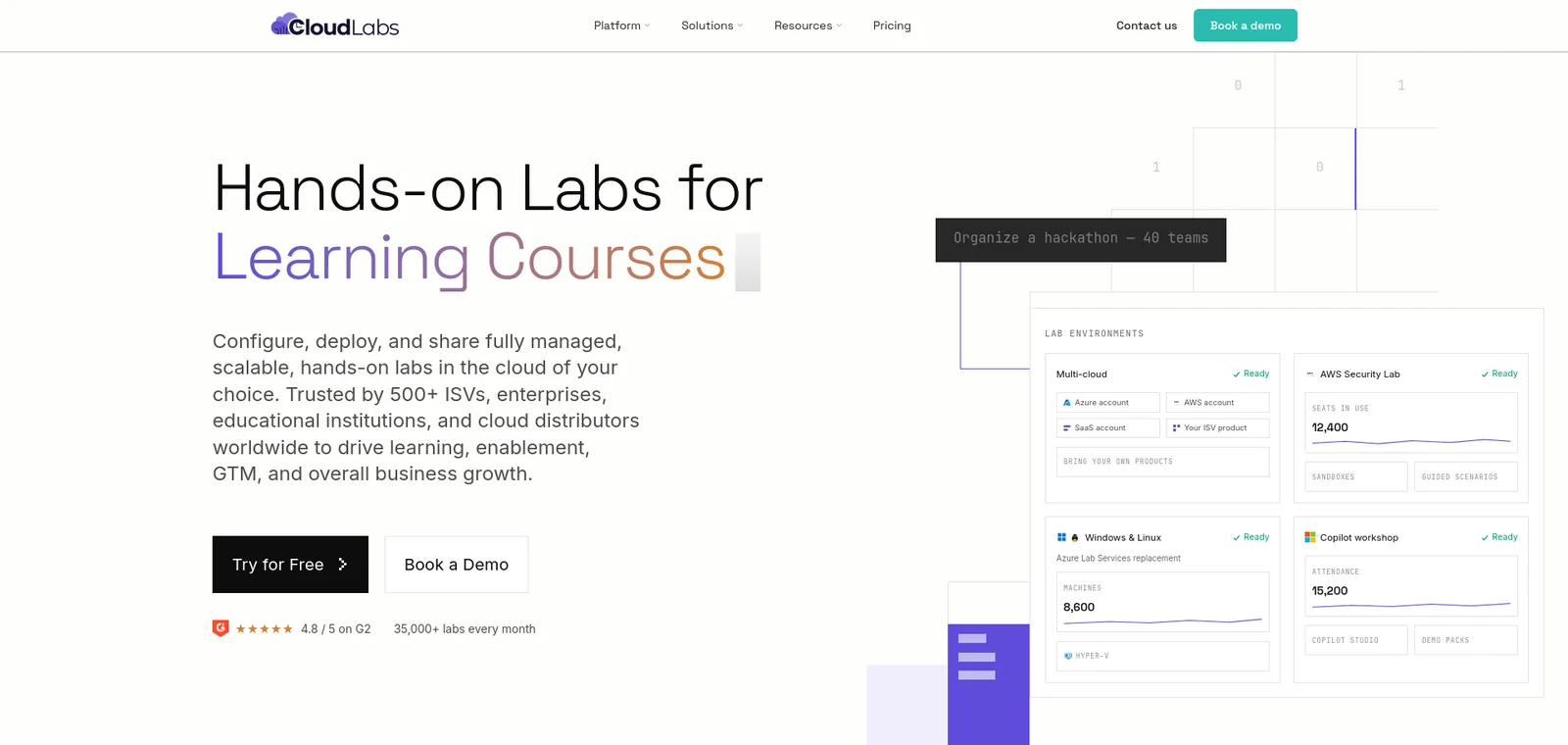
- What it is: “a premium hands-on lab platform” that deploys “fully managed, scalable, hands-on labs in the cloud of your choice”.
- Courses and certification: you can set up your own courses and certification programs, with a multi-month curriculum with “in-built labs, content, quizzes, and certificates”.
- Clouds: AWS, Azure, GCP and Oracle Cloud from one platform.
- No subscription for learners: managed labs use CloudLabs-provided cloud environments, so learners do not buy their own.
- LMS: LTI 1.1 and 1.3 with Canvas, Moodle, Blackboard, Brightspace and edX.
- Pricing: VM Labs costs $6 per active user a month on a CloudLabs-managed subscription, or $12 if you bring your own. Pre-built labs carry a “fixed fee per lab instance” with “no platform subscription, no monthly minimum”.
- Result: Wayne Community College reports a 100% AI-900 pass rate using CloudLabs pre-built labs, which it describes as 17 modules with guides and practice tests. The case study gives no cohort size, so treat it as one college’s reported result.
- Limitation: the pages we read describe no self-serve plan for an individual learner, so it fits programs better than a single person studying alone.
2. Microsoft Learn and Applied Skills
Best for: learners and instructors who want free official content and have an Azure subscription
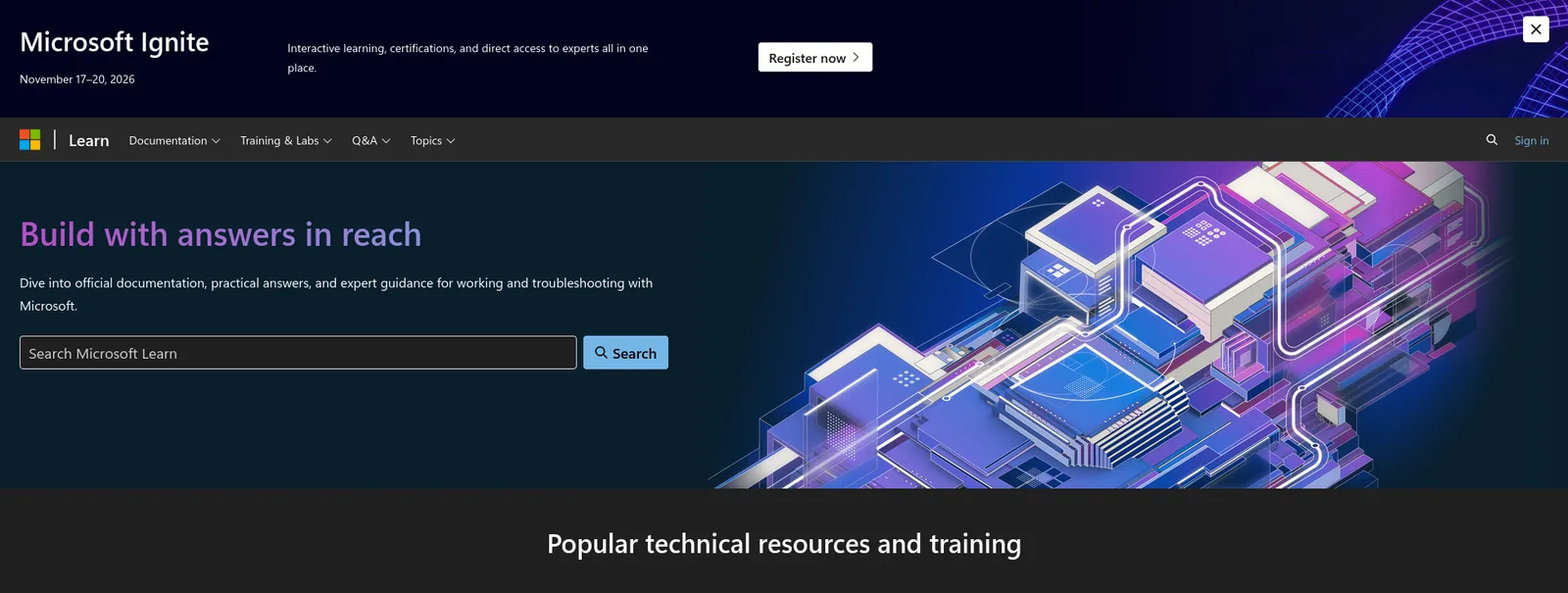
- Training: “Microsoft Learn training is free and available to anyone who has an interest to learn about Microsoft products.”
- Practice assessments: free, and you can take them as often as you like. Microsoft says “while not a guarantee, research shows that attaining a high score on a Practice Assessment increases the likelihood” of passing.
- Applied Skills: a credential earned by “completing interactive tasks that align to real work in a lab-based assessment”. You can retake an assessment lab 72 hours after your last attempt.
- AZ-104: the official exam page, a free practice assessment and instructor lab files on GitHub from MicrosoftLearning.
- Limitation: exercises need your own Azure subscription, since sandboxes are retired. Cost control and reset are your job, and no voucher comes with it.
3. Pluralsight (including A Cloud Guru)
Best for: individuals who want real cloud sandboxes and a large course library on one plan
- Labs: “secure environments where you or your team members can directly apply knowledge”, with guided labs and a Challenge Mode with no guidance on select labs.
- Sandboxes: cloud sandboxes give “secure, credentialed access for up to eight hours”. They come with the Cloud+, AI+ and Complete plans.
- Pricing: the Cloud+ plan, described as “A Cloud Guru courses and labs”, was listed at $29 a month or $299 billed yearly on October 28, 2026.
- Practice: plans include practice exams and certification paths. Pluralsight also pitches guided CompTIA labs for certification prep.
- Limitation: no exam voucher is mentioned, and sandbox sessions end after eight hours.
4. KodeKloud
Best for: learners preparing for DevOps, Kubernetes and cloud exams who want browser labs and mock exams
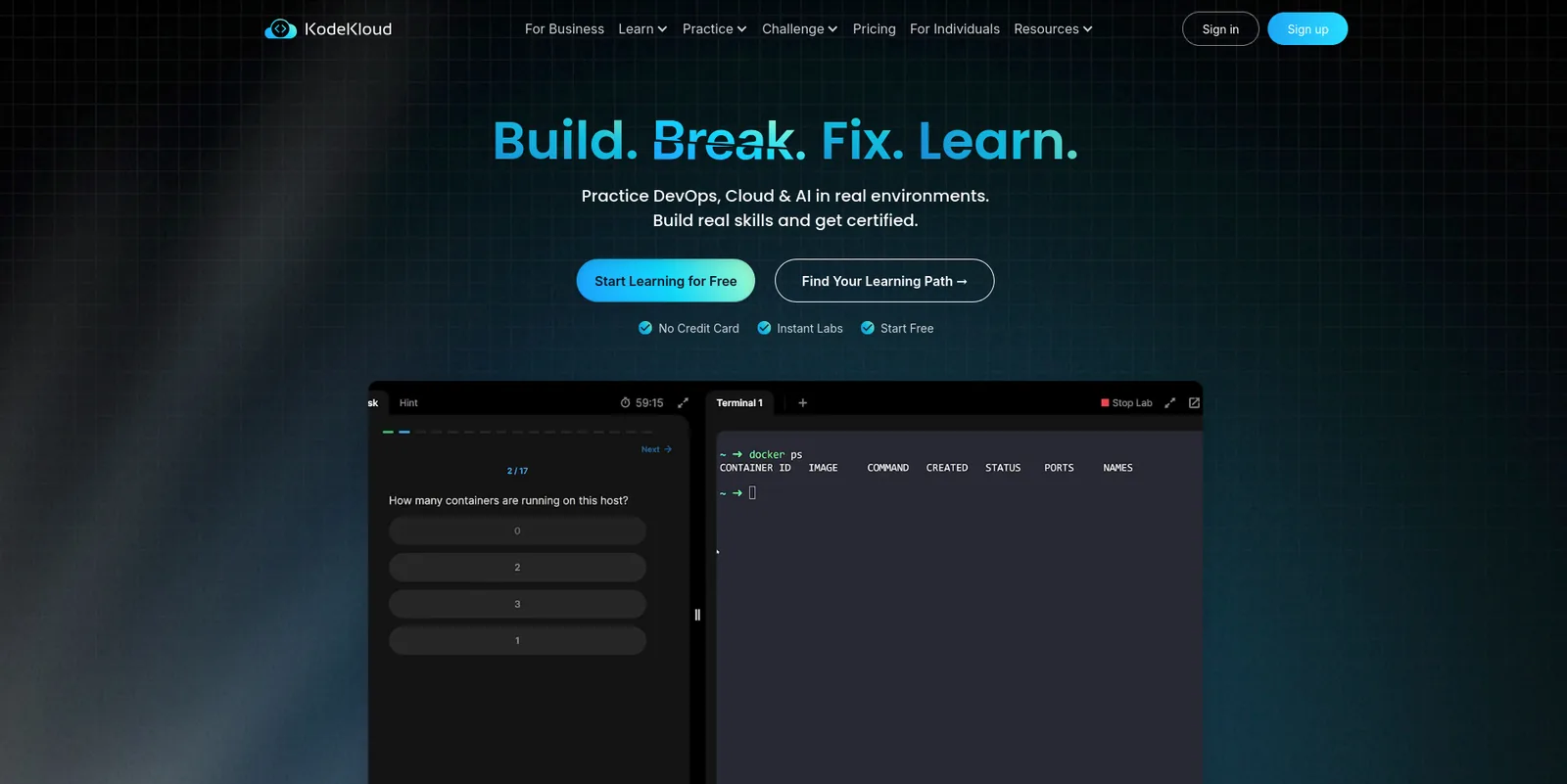
- Plans: the Standard plan lists “unlimited access to 1,280 hands-on-labs” with certifications and mock exams. The Pro plan adds all cloud labs, 78 playgrounds and AWS certification mock exams.
- Playgrounds: AWS, Azure and Google Cloud playgrounds with set limits on instance types and regions.
- Business plan: custom quote, two-seat minimum, billed annually.
- Pricing: the dollar amounts were blank on the page we fetched, so check the live price.
- Limitation: its strength is DevOps, Kubernetes and AWS. The pages we read do not show AZ-104 lab depth, and community threads suggest the Azure playground sits on the Pro tier.
5. Whizlabs
Best for: Azure learners who want a lab sandbox without a personal subscription, plus practice exams
- What it is: hands-on labs for AWS, Azure, Google Cloud and Power Platform.
- Azure sandbox: its AZ-104 page says you “get a pre-configured, live Azure infrastructure; no personal subscription, no credit card, no billing surprises”.
- AZ-104 labs: its lab guide lists 33 numbered lab items, from creating a virtual machine to deploying a web app with Azure CLI. The library is available through a subscription or individual purchase.
- Free sample: Whizlabs says it “offers a selection of free AZ-104 hands-on labs to get started”.
- Practice tests: a timed AZ-104 practice exam is offered alongside the labs. The page does not say whether it is bundled.
- Limitation: the pricing and plan pages did not load for us, so we could not confirm prices or which plan includes the sandbox. Check them before you buy.
6. Skillable
Best for: training companies and software vendors that deliver Microsoft courseware labs
- What it is: “a hands-on training and virtual labs platform”, and an “Authorized Lab Hoster” for Microsoft Training Services Partners.
- Exams: it supports “performance-based exams that scale”, with integrations for Pearson VUE, Certiverse, ITS and PSI.
- Reset: “Make a mistake? Just close and relaunch to reset the environment.”
- Certification hosting: Skillable is also described as an authorized lab host for CompTIA, EC-Council, Microsoft and ISACA.
- AZ-104: learners reach it through Microsoft Learn courseware that a training partner delivers, not by buying direct.
- Limitation: it sells to organizations and publishes no price, so an individual learner cannot sign up on its website.
7. CompTIA CertMaster
Best for: CompTIA and security learners who want labs and an exam voucher in one bundle
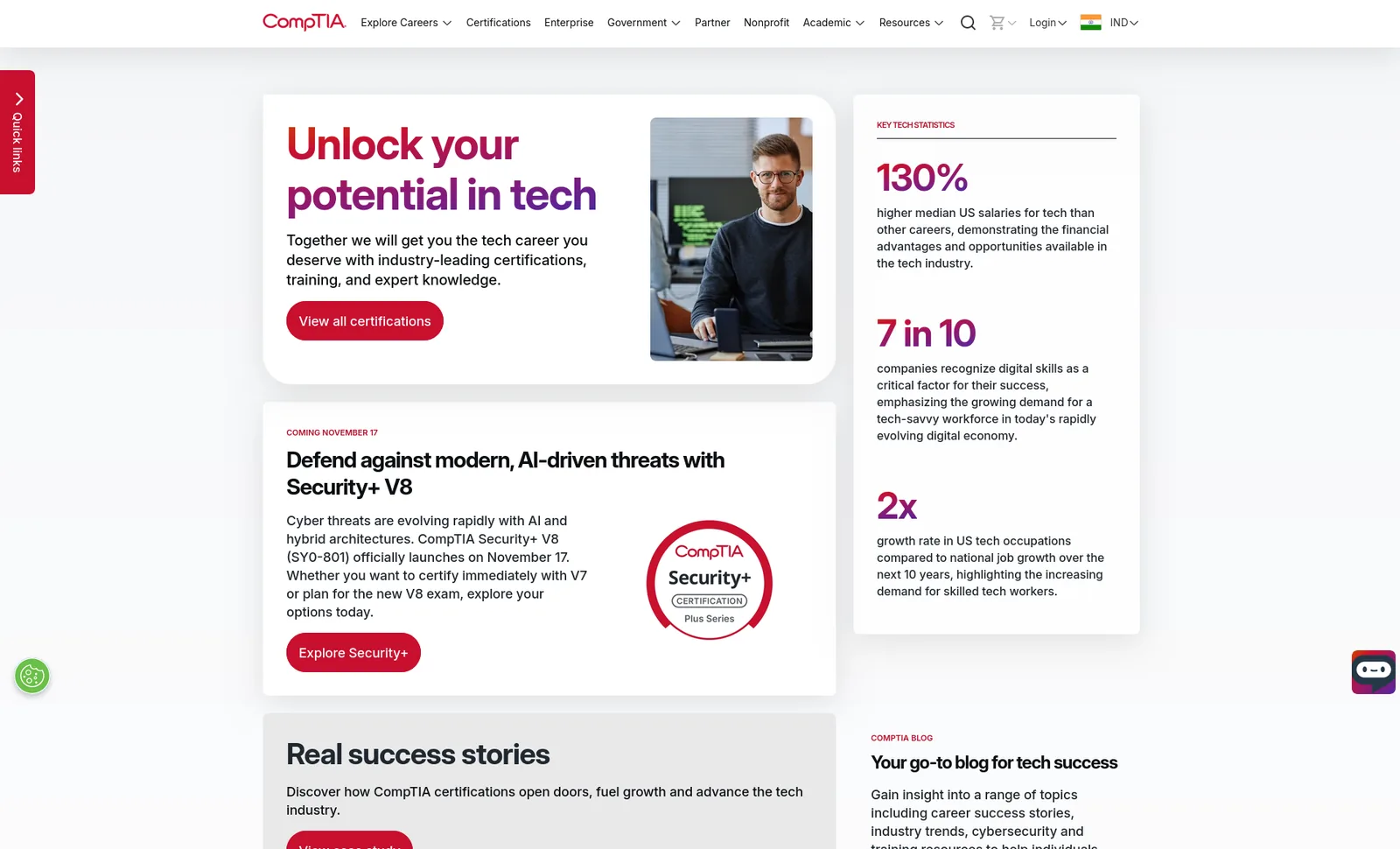
- Labs: CertMaster Perform offers “comprehensive learning with robust set of lab activities in real and simulated environments”.
- Bundles: each product pairs with a “voucher with Retake Assurance”: CertMaster Practice with the exam, CertMaster Learn with the exam, and a Complete bundle with Perform and Practice.
- Study time: CompTIA estimates 30 to 60 hours for Perform, 25 to 40 for Learn and 10 to 20 for Practice.
- Limitation: it covers CompTIA exams only, so it does not help with AZ-104, and CompTIA’s page does not state bundle prices. Check the CompTIA store before you buy. We could not confirm which labs run on real systems and which are simulated.
What happened to the Microsoft CLX program?
The Microsoft Connected Learning Experience (CLX) is a certification readiness program that Microsoft ran with CloudLabs. It combined a knowledge assessment, Microsoft Learn study material, a practice test and an instructor-led session.
- 2022 version: for AZ-900, AI-900 and DP-900, with a free exam voucher for qualifying participants. See the guide to joining the CLX program and the Azure Fundamentals CLX guide.
- 2023 version: tracks widened to AZ-104, AZ-800, AZ-801, DP-300 and others, with “a 50% discount on exam vouchers for all eligible tracks”. You had to pass the practice test with 70% or more, and each user got one voucher.
- Today: we could not confirm that CLX is open in 2026, because its registration page did not load. Treat the voucher terms above as historical and check Microsoft before you plan around them.
- Lab step: neither version describes a hands-on lab step, so pair it with one of the platforms above.
Certification practice labs compared
| Platform | Lab environment | Own subscription needed | AZ-104 coverage | Voucher or practice test |
|---|---|---|---|---|
| CloudLabs | Managed AWS, Azure, GCP, Oracle | No (managed labs) | Cohort programs, not verified on pages read | Practice tests in pre-built labs |
| Microsoft Learn | Your Azure subscription | Yes | Official exam page, free practice assessment | Free practice assessment, no voucher |
| Pluralsight | Cloud sandboxes, 8-hour sessions | No | Azure labs on Cloud+ | Practice exams, no voucher mentioned |
| KodeKloud | Browser labs and playgrounds | No | Not verified | Mock exams, no voucher mentioned |
| Whizlabs | Azure sandbox | No | 33 listed lab items | Timed practice exam |
| Skillable | VM and cloud labs through partners | Not for learners | Through partner courseware | Performance-based exam support |
| CompTIA CertMaster | Real and simulated labs | No | No | Voucher with Retake Assurance |
How to choose a certification practice lab platform
- Start with the exam. Pick a platform that names your exam, such as AZ-104, and check whether the lab tasks match the skills measured.
- Check the subscription. If a platform needs your own Azure or AWS subscription, add its cloud cost to the price and set a budget alert.
- Look for reset and time limits. A sandbox that ends after eight hours or resets when you break it changes how you study.
- Ask about vouchers and practice tests. Few platforms bundle a voucher. Microsoft’s own practice assessments are free.
- Plan for retakes. Microsoft’s retake rules mean a second attempt costs 14 days and another exam fee, so practice before you book.
- Programs: ask about the LMS. If a cohort takes the labs, confirm LTI, gradebook passback and per-student cost limits.
FAQ
Do I need hands-on labs to pass AZ-104?
Yes, practice helps. Microsoft says hands-on experience is required to pass its certification exams, and the AZ-104 assessment gives you 100 minutes to complete tasks across identity, storage, compute, networking and monitoring.
Can I practice Azure labs for free?
Microsoft Learn training and practice assessments are free, but its lab exercises now need your own Azure subscription, which can cost money. Whizlabs says it offers a selection of free AZ-104 labs, and its sandbox needs no personal subscription.
Which platforms include an exam voucher?
CompTIA bundles a voucher with Retake Assurance into its CertMaster products. The other platforms in this guide do not mention vouchers on the pages we read. Microsoft’s CLX program offered discounted vouchers in 2023, and we could not confirm that it is open in 2026.
Is a cloud sandbox better than a simulated lab?
A cloud sandbox runs real services, so the console and errors match the exam environment. A simulated lab is cheaper to run but may not show real behavior. Ask the vendor which one you get, as CompTIA’s lab descriptions mix both.
How much does a Microsoft certification exam cost?
Microsoft says associate and expert exams “typically cost US$165”, priced by country or region, and prices can change. A failed exam costs another fee to retake, after a 24-hour wait and then 14 days between later attempts.
Conclusion
For certification programs, bootcamps and colleges, CloudLabs is the best choice on this list.
- Managed labs: learners work in CloudLabs-provided environments, so they do not buy cloud subscriptions.
- Clouds: Azure, AWS, GCP and Oracle Cloud from one platform.
- Price: VM Labs at $6 per active user a month, or $12 if you bring your own, with no platform subscription for pre-built labs.
- LMS: LTI 1.1 and 1.3, so cohort labs launch from Canvas, Moodle, Blackboard, Brightspace or edX.
- Proof: Wayne Community College reports a 100% AI-900 pass rate on its pre-built labs, and CloudLabs reports more than 5 million labs provisioned.
If you are studying alone, start with Microsoft Learn’s free assessments, then add Pluralsight, KodeKloud or Whizlabs for sandbox practice. For CompTIA exams, look at CertMaster. For a cohort that must practice in real cloud labs, start with CloudLabs.
See CloudLabs courses and certification labs.
For related guides, see the free Microsoft practice tests on the CloudLabs Teams app, the guide to passing an Azure certification exam, the top 10 virtual lab platforms and the guide to virtual IT lab pricing.
Related Blogs
 CloudLabsCheck Point Certification Path 2026: CCSA, CCSE, CCTE and Where to PractiseCheck Point certification path for 2026: CCSA vs CCSE vs CCTE, R82 exam codes, prerequisites, exam format, validity and where to practice with labs.
 CloudLabsVirtual Labs vs Physical Labs vs Simulators for IT TrainingCompare virtual labs, physical labs and simulators for IT training on realism, cost, scale, reset and grading, with a table for which to use when.